
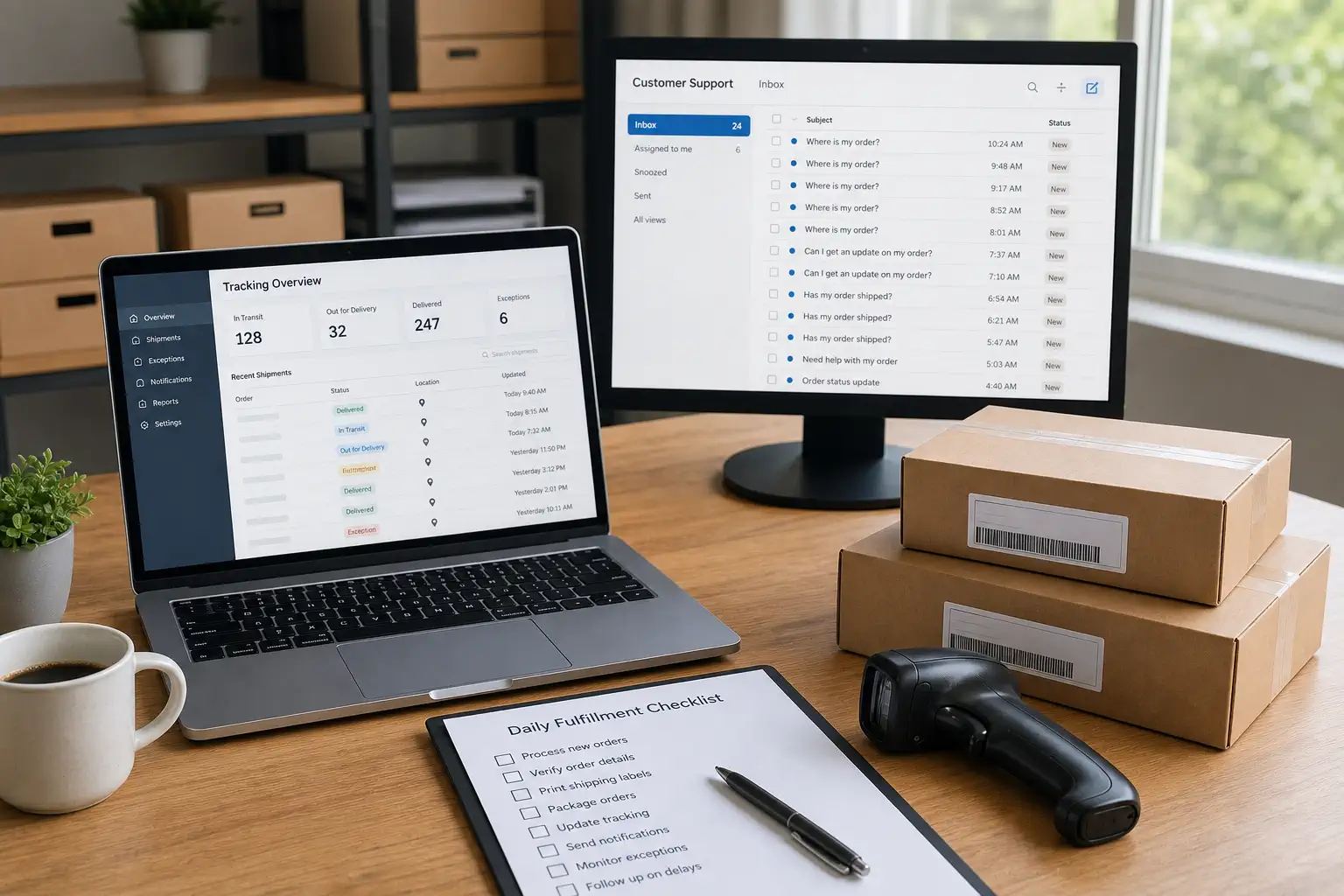
Real-Time Tracking Update Support reduces customer service emails by turning “Where is my order?” uncertainty into visible order-status information, proactive exception updates, and clearer escalation rules. The 80% figure should be treated as an operating target for stores where a large share of support volume comes from tracking questions, not as a guaranteed result for every Shopify dropshipping business.
Core Summary:
- Customer service emails usually rise when customers cannot tell whether a package has been dispatched, scanned, delayed, handed to a local carrier, or delivered.
- A strong tracking-update workflow combines automatic order-status messages with human review for no-scan parcels, stalled shipments, failed delivery attempts, and address problems.
- For Shopify sellers, the practical goal is to reduce repetitive WISMO emails while keeping the support team focused on exceptions that actually need judgment.
Picture a Shopify store that has found a winning product. Ads are working and orders are moving, but the inbox shifts toward the same question: where is my package? The store may not have a product problem yet. It has an information problem. A better tracking-update system gives customers enough confidence to wait, while giving your team a clear way to handle the orders that really need intervention.
How Real-Time Tracking Update Support Reduces Customer Service Emails by 80%
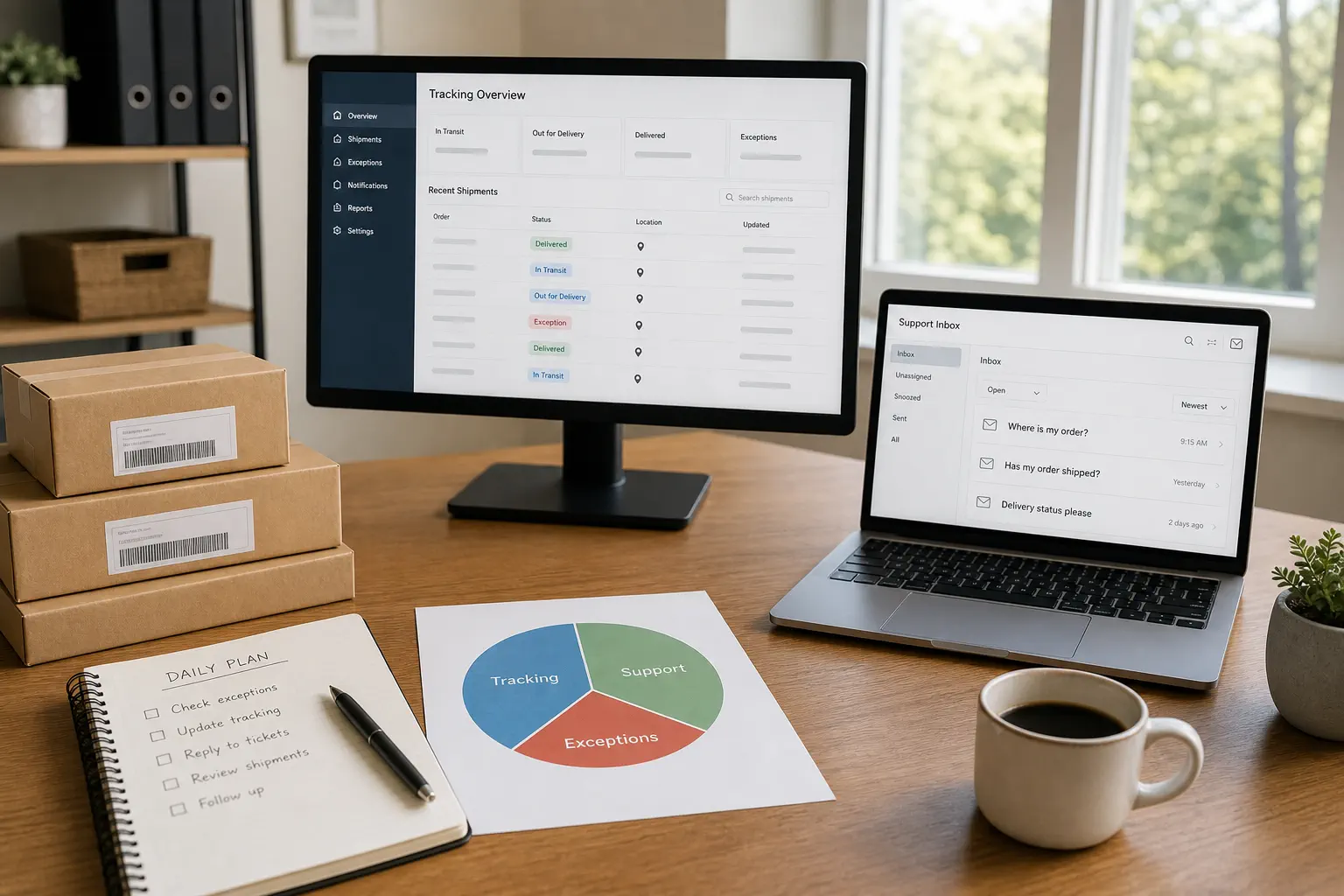
The reduction happens when customers receive useful tracking information before they feel forced to email support.
For a Shopify dropshipping operation, repetitive tracking emails are usually not caused by one bad support script. They come from gaps between order creation, supplier processing, first scan, cross-border movement, local carrier handoff, and final delivery. If the customer receives only a generic confirmation and a tracking number that does not move, the inbox becomes the tracking page.
For Shopify sellers, tracking updates should not sit apart from fulfillment. They need to connect with dispatch confirmation, route visibility, customer communication, and exception handling. In a stronger Shopify dropshipping workflow, the tracking link is only one part of the promise; the backend process has to make that status believable.
The 80% target is realistic only in the right starting condition: most support volume must be repetitive order-status questions, not product defects, refund disputes, fraud issues, or policy confusion. If your inbox is dominated by WISMO messages, a cleaner system can remove a large share of preventable contact.
Key Takeaway: Do not treat tracking updates as a carrier detail. Treat them as a customer-support prevention layer that starts before the customer opens a ticket.
Why Tracking Questions Become Support Tickets

Tracking questions become support tickets when the customer cannot translate a shipping status into a believable next step.
Many dropshipping sellers assume that uploading a tracking number solves the communication problem. It does not. A tracking number helps only when the buyer understands what it means, sees movement at the right moments, and trusts that the store will act if something stalls.
The common support triggers are predictable:
- The tracking number exists, but the first carrier scan has not appeared.
- The parcel left the origin country, then shows no update for several days.
- The tracking page changes carriers during local handoff.
- The buyer sees “delivered” but cannot find the package.
- The customer receives a vague reply that repeats the same tracking link.
- The support team cannot tell whether the parcel is delayed, lost, or waiting for the next normal scan.
This is where tracking support overlaps with customer service for dropshipping: the goal is not to replace support, but to prevent simple status uncertainty from becoming a ticket.Tracking-update support is the narrower system that prevents simple status uncertainty from becoming a ticket in the first place.
WISMO Is Often a Visibility Failure
“Where is my order?” is not always a demand for faster delivery. Often it is a request for confidence. Customers want to know whether the order is real, whether the store is paying attention, and whether the delivery promise still makes sense.
When buyers do not receive that confidence from your order-status page, emails, or tracking link, they ask a person. Support then spends time checking the same carrier pages the customer could have checked if the information had been clearer.
Dropshipping Adds More Handoff Points
Dropshipping can create more tracking confusion because the customer-facing store and the physical dispatch process may be separated. A supplier, first-mile provider, cross-border carrier, and local carrier may all touch the same order. The answer is not to hide the complexity; it is to translate it into customer-friendly updates and internal exception rules.
For multi-item Shopify orders, tracking confusion can become worse when products ship in separate parcels. A clear dropshipping order consolidation workflow helps the team decide when items should be combined, when split shipments are intentional, and how each tracking update should be explained before the customer opens a WISMO ticket.
What a Strong Tracking Update Workflow Includes
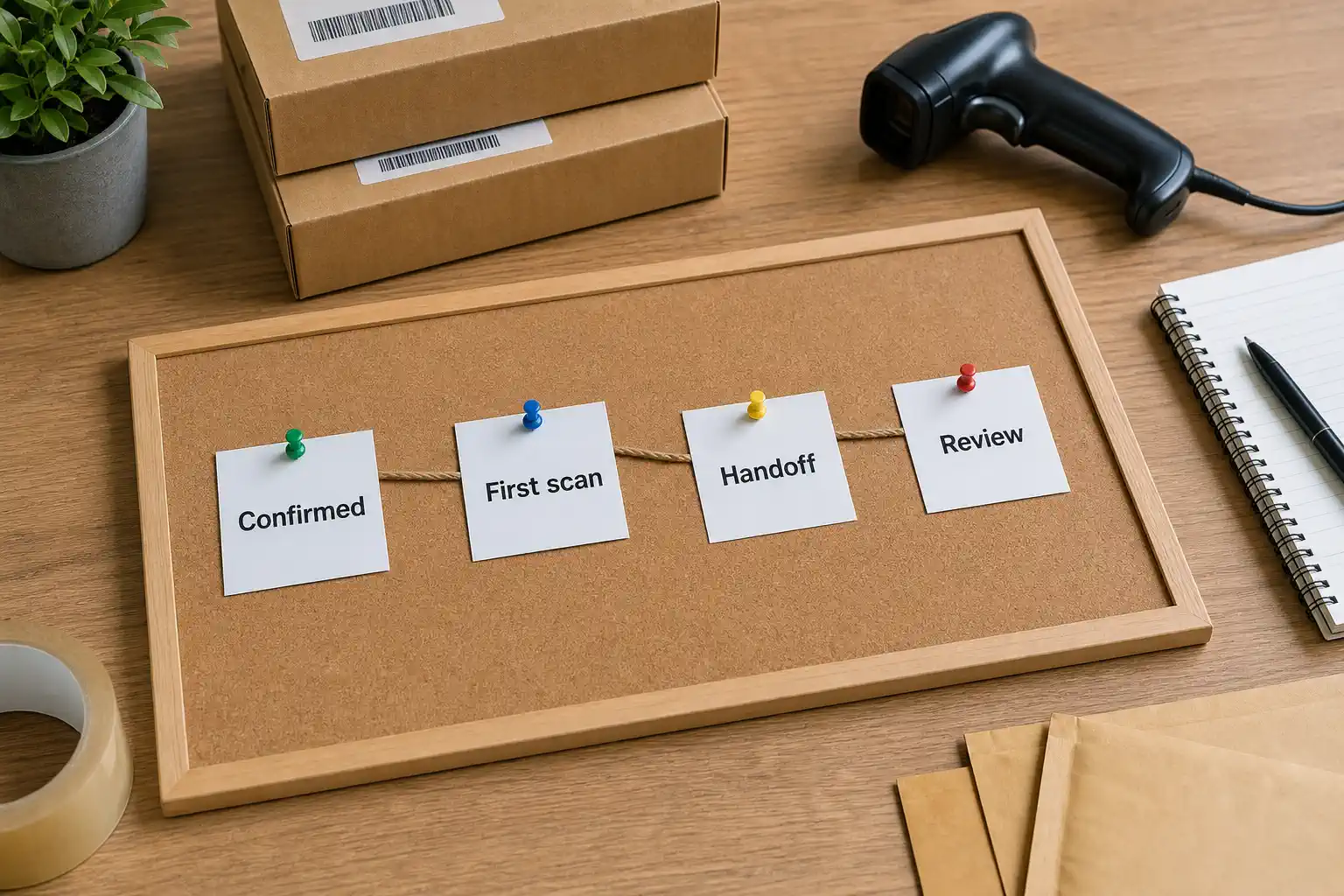
A strong tracking update workflow combines automatic messages, status definitions, exception alerts, and human follow-up for shipments that fall outside the normal pattern.
Start with the customer journey. The buyer should not need to email support to learn the basic order stage. At minimum, your system should cover order confirmation, dispatch confirmation, first meaningful movement, local handoff when available, delivery attempt, delivered status, and delayed-shipment review.
The support team also needs internal definitions. “Label created” is not the same as “parcel accepted.” “In transit” is not the same as “moving normally.” “Delivered” is not always resolved if the buyer reports non-receipt. Without definitions, support replies become inconsistent.
Separate Normal Silence From Exceptions
Some scan gaps are normal in cross-border shipping. A parcel may leave one facility and wait for the next carrier event. If your team treats every gap as a crisis, support becomes noisy. If your team ignores every gap, customers lose trust.
Create a route-based threshold: when should a no-scan order be watched, escalated, or explained to the customer? The threshold can differ by route, country, product value, carrier, and season.
Make Updates Actionable
Good tracking communication tells the customer what happened, what it means, and what happens next. It does not guarantee a delivery date; it gives the buyer a reason not to open a ticket today.
Key Takeaway: Automation reduces emails only when the message answers the customer’s real question. A status label without context often moves the same question from the tracking page into the inbox.
Where Shopify Automation Helps and Where It Stops
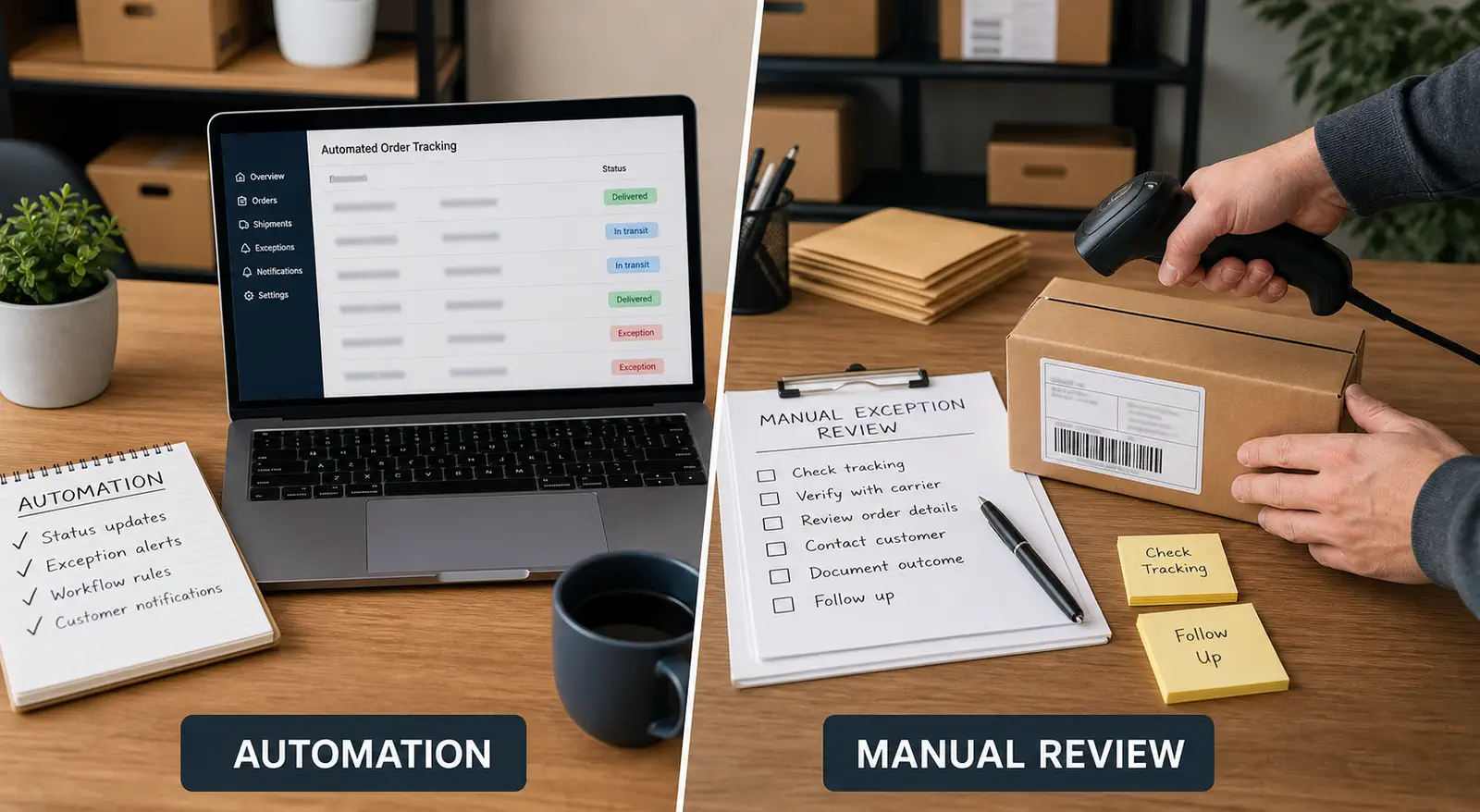
Shopify automation helps move order information quickly, but it cannot judge whether a shipment status is normal, risky, or already customer-facing trouble.
Order-status pages, shipping confirmations, tracking links, helpdesk macros, and carrier-notification apps can remove many repetitive tasks. A seller should not manually type the same “your order has shipped” message hundreds of times.
Shopify order tracking documentation explains that customers can follow shipments through the order status page, shipping notification emails, and the Shop app after tracking information is added. That makes Shopify useful for the customer-facing visibility layer, but it still depends on accurate fulfillment data, supplier dispatch, carrier acceptance, and exception review behind the scenes.
The limit appears when the physical shipment behaves strangely. A system can send a tracking link, but it cannot always explain why there is no scan. It can mark an order fulfilled, but it cannot confirm that the supplier dispatched the correct parcel at the right time. It can trigger a delay email, but it cannot decide whether to reship, change route, ask the agent, or investigate the address.
This is a common Shopify order fulfillment mistake: the digital order flow looks complete, but physical execution still decides whether the customer receives the right product.
Use automation for the repeatable layer:
| Workflow layer | Automation should handle | A person should review |
|---|---|---|
| Order confirmation | Basic order receipt and customer-facing reference | Unusual address, fraud signal, or SKU concern |
| Tracking upload | Standard tracking number and link | Missing, invalid, or reused tracking |
| Shipment progress | Normal milestone messages | No movement after threshold |
| Local delivery | Delivery attempt or delivered notice | Buyer says delivered but not received |
| Delay communication | Approved delay template | Route failure, wrong item, stockout, or replacement decision |
The table matters because many sellers buy tools before defining responsibility. A tool can reduce volume only when it is connected to a clear operating rule.
The 80% Reduction Model: What Must Be True
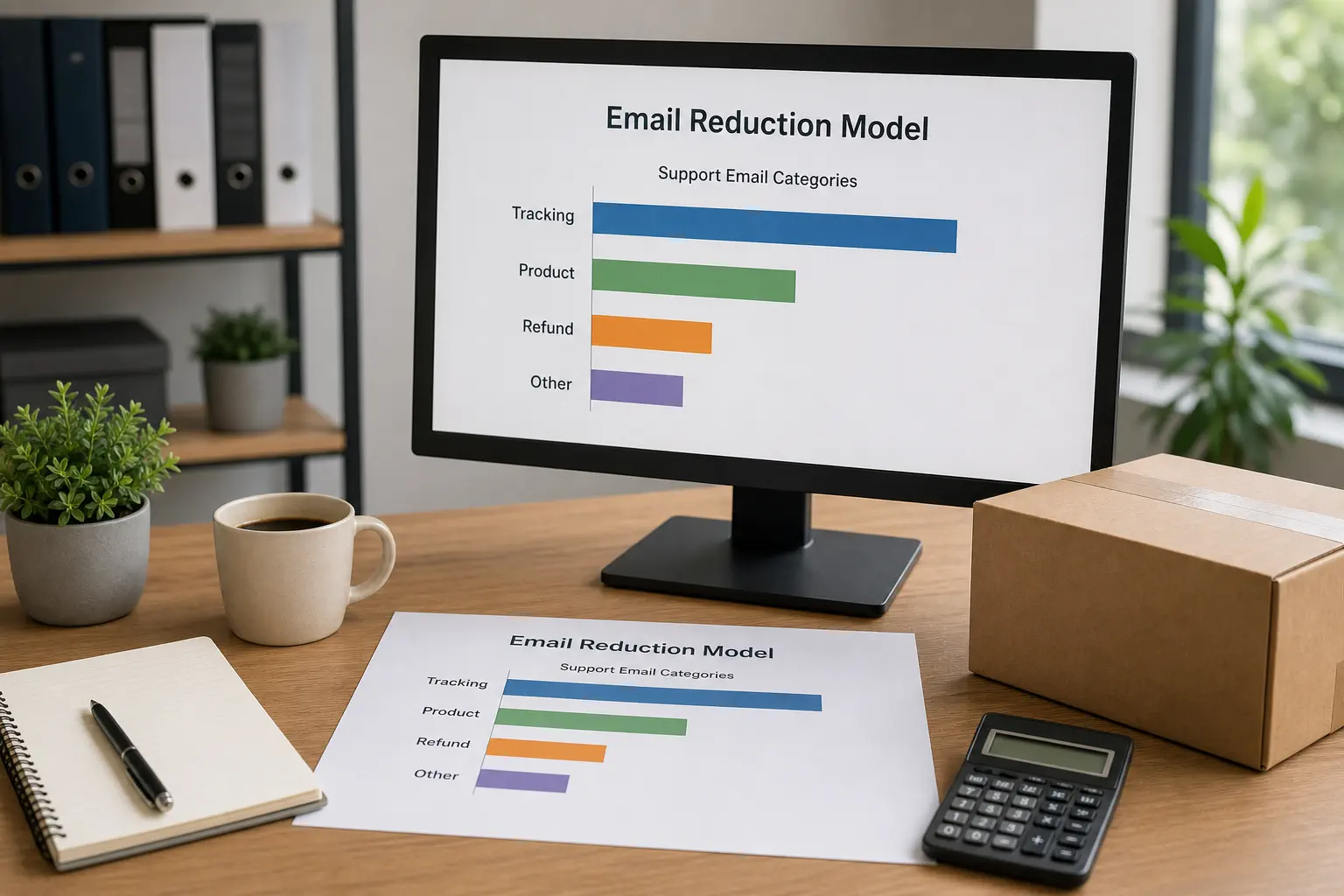
An 80% reduction is possible only when most emails are preventable tracking questions and the workflow is built around the customer’s real anxiety points.
Before aiming for that number, measure your support inbox for two weeks. Tag each ticket by reason: WISMO, no tracking number, tracking not moving, delivery problem, wrong item, damaged item, refund request, return request, product question, address change, and other. If tracking-related tags dominate, you have a strong opportunity. If the problem is product quality or refund policy, tracking updates will help but will not transform the whole inbox.
A Simple Before-and-After Calculation
Suppose a store receives 500 support emails in a month. If 350 are tracking-related and 150 are other issues, the maximum possible reduction from tracking work alone is 70% of total email volume. If better notifications, clearer order-status pages, and proactive exception handling remove 280 of those 350 tracking questions, the store reduces total emails by 56%, not 80%.
To reach an 80% total reduction, the starting inbox must be even more concentrated. For example, if 420 of 500 emails are preventable tracking questions and the system prevents 400 of them, the total email reduction reaches 80%. That is a high bar, but it explains the math honestly.
Track the Right Metrics
Measure more than email count. Track:
- Tracking-related tickets as a share of total tickets.
- First-response time for tracking exceptions.
- No-scan orders by route and carrier.
- Repeat contacts from the same order.
- Delivered-but-not-received reports.
- Refund requests connected to unclear shipping updates.
- Support hours spent on order-status questions.
The point is to learn whether the system is reducing uncertainty or moving frustration into another channel.
Key Takeaway: The 80% number is a diagnostic target, not a promise. It works only when WISMO emails dominate the inbox and the new workflow prevents the specific questions customers were sending.
Build Exception Rules Before You Scale Orders
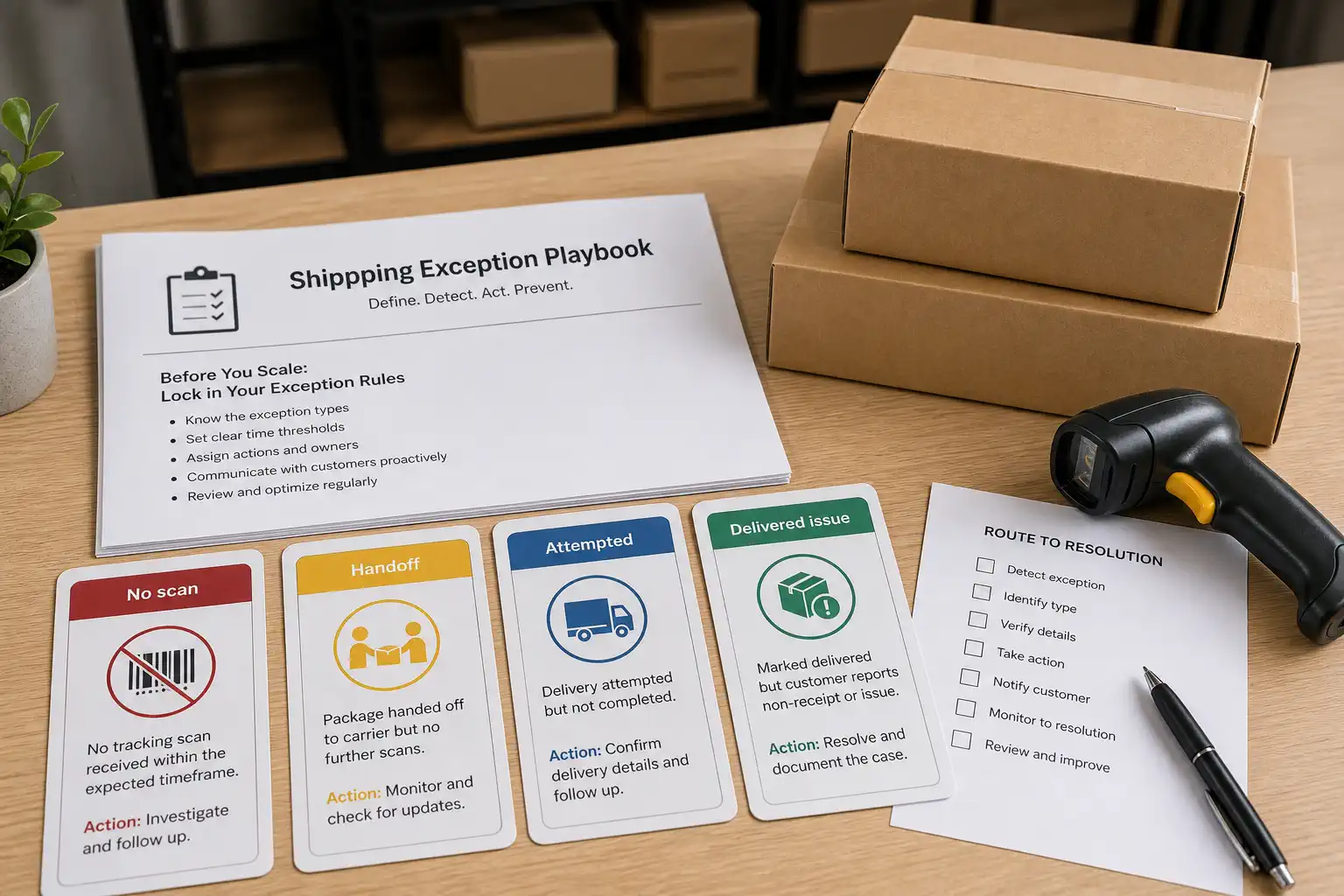
Exception rules turn tracking support from reactive inbox work into a controlled operating system.
A seller should define what happens when tracking is missing, invalid, stale, returned, delayed, delivery-attempted, or marked delivered but disputed by the buyer. Without those rules, support agents improvise and buyers receive inconsistent answers.
Create a simple status playbook:
- Label created but no acceptance scan.
- Accepted but no movement after the normal route window.
- Cross-border gap after export or airline handoff.
- Local carrier handoff pending.
- Failed delivery attempt.
- Delivered but buyer cannot locate the package.
- Returned to sender or address problem.
For each status, define the customer message, internal owner, escalation timing, and available action. Some situations need only a proactive update; others need carrier inquiry, address confirmation, reshipment review, replacement decision, or refund-policy handling.
This is where fast shipping dropshipping should be treated as an operations promise, not just a product-page claim. The route, dispatch process, tracking visibility, and exception handling must all support the delivery promise shown to the customer. It is about matching route, dispatch process, tracking visibility, and exception handling to the promise you make on the product page.
Avoid Overpromising in Delay Messages
A delay message should be specific but conservative. Do not promise an exact delivery day unless the route and carrier evidence support it. A safer message explains the current stage, the next expected event, and when the team will review again.
That approach protects trust and avoids creating a second promise that may later become a refund or dispute problem.
A Real Case: Fashion Nova Shows Why Delay Communication Matters
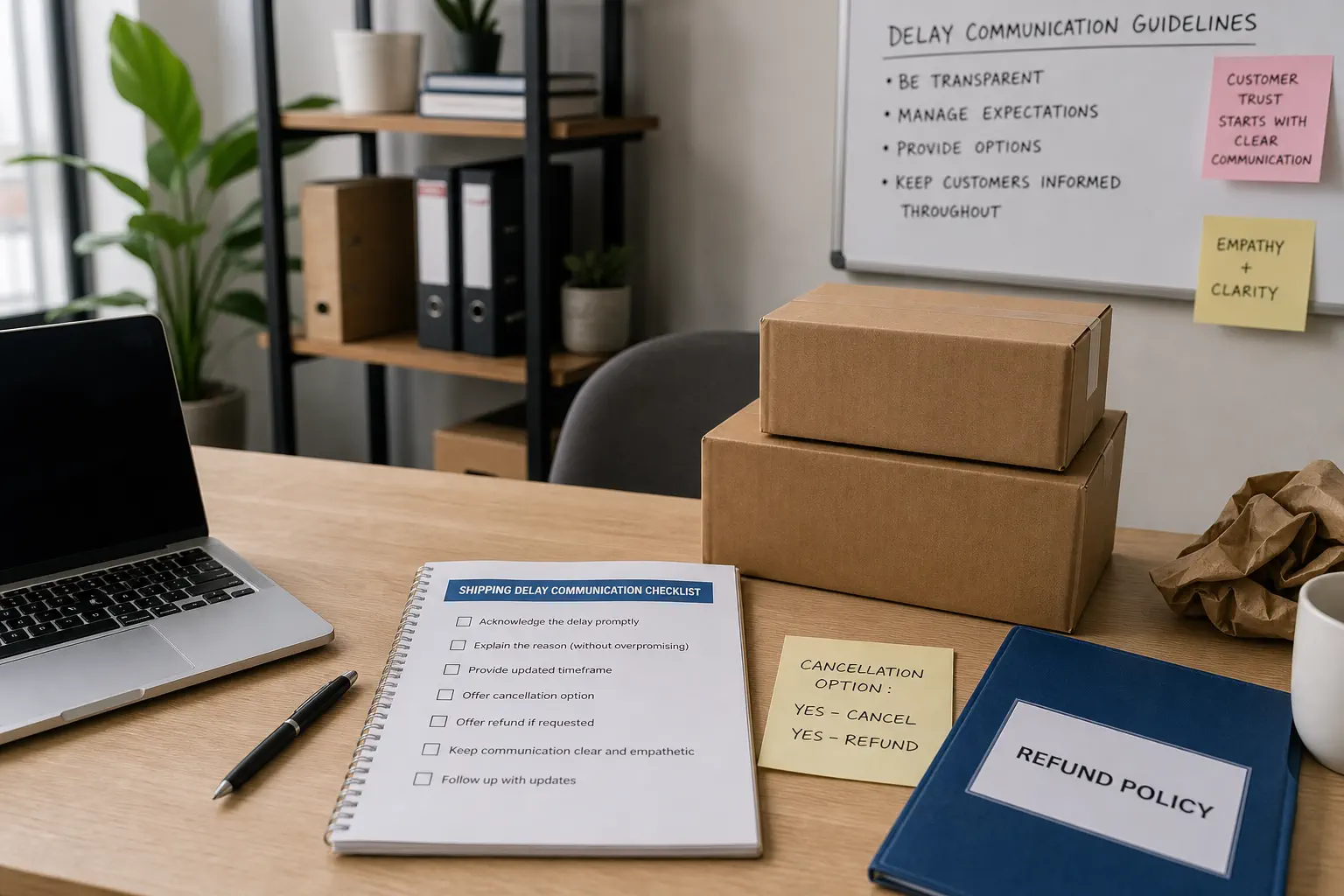
The FTC Fashion Nova shipping delay case shows why shipping communication is not a small back-office detail once order volume grows. Fashion Nova agreed to pay $9.3 million over allegations that it failed to properly notify consumers about shipping delays, did not give them a chance to cancel delayed orders, and used gift cards instead of refunds for unshipped merchandise. The lesson for Shopify dropshipping sellers is not that every delayed parcel creates the same legal exposure. The lesson is that customer-facing promises, delay notices, cancellation options, and refund handling must match operational reality.
This case strengthens a practical operations point: support quality is not only the tone of an email. It also depends on whether the system behind the email can keep shipping promises, delay notices, and refund handling consistent.
For a growing dropshipping store, the safer habit is to record delay triggers and customer options before peak season starts. Your policy language, support scripts, dispatch process, and tracking updates should agree with each other.
Key Takeaway: Real-world enforcement history shows that shipping-delay communication can become a trust and compliance issue at scale. Keep tracking messages accurate, conservative, and connected to real order status.
How a Private Agent Improves Tracking Visibility
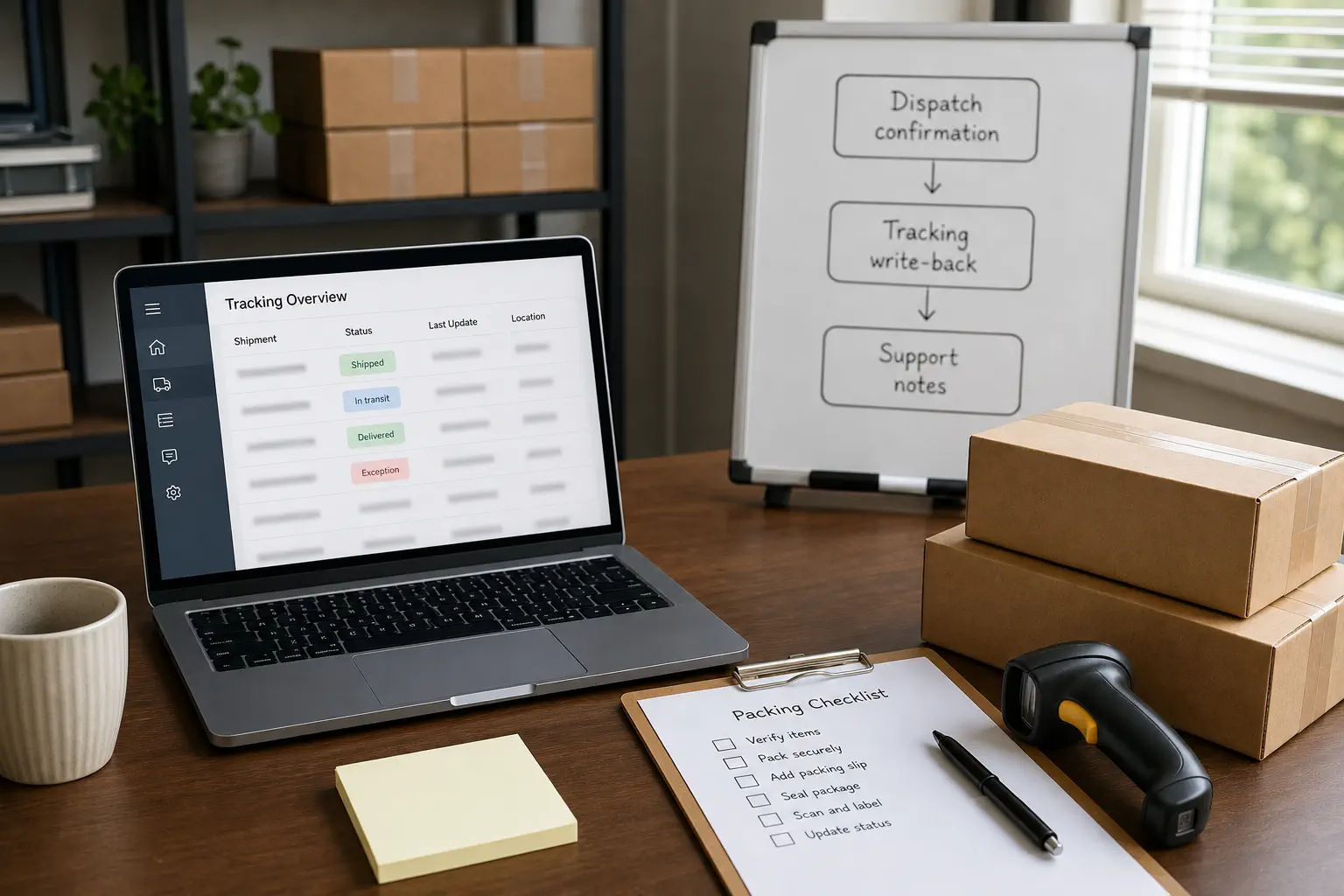
A private dropshipping agent improves tracking visibility by connecting the digital order record with the physical dispatch process.
For Shopify sellers, the tracking problem often begins before the carrier page. A supplier may delay dispatch, a parcel may be packed but not scanned out, or the shipping line may change because of product or destination restrictions. If the seller only sees a tracking number, support has little context.
Runtodropship’s relevant role is not to replace Shopify, a helpdesk, or a carrier. As a private dropshipping agent, the team can help coordinate supplier communication, product checks, packing confirmation, order execution, shipping arrangement, tracking write-back, and after-sales investigation. That means the support team can receive better backend information when a parcel is late, unclear, or exception-prone.
The value becomes stronger for mentors, agencies, consultants, and operators managing multiple Shopify stores or client projects. One tracking rule can be repeated across many stores; one weak dispatch habit can also repeat across many stores.
If your supplier dispatches accurately, tracking is visible, and exceptions are handled quickly, your current setup may be enough. If your support team spends hours asking suppliers for status screenshots, a more accountable backend process may be the missing layer.
Tracking Update Templates Your Team Can Use

Tracking update templates should reduce confusion without making promises the backend cannot keep.
Use templates as a starting point, then connect each one to a real order-status rule.
First Scan Pending
“Your order has been prepared for shipment, and the tracking link has been created. The next visible update usually appears after the carrier accepts and scans the parcel. We will review it again if the first movement does not appear within the normal route window.”
Cross-Border Handoff
“Your package is moving through the international shipping stage. Tracking can pause during the handoff between export transport and the destination-country carrier. The next useful update should appear when the local carrier scans the parcel.”
Delivery Attempt
“The carrier attempted delivery or needs local action. Please check the tracking page for instructions. If the address or delivery access needs review, reply with the correct details.”
No Movement After Threshold
“We noticed that your tracking has not updated within the expected review window. Our team is checking the shipment status and will follow up with the next available information.”
These templates are deliberately conservative. They give customers visibility and leave room for a real investigation.
When Tracking Updates Are Not Enough
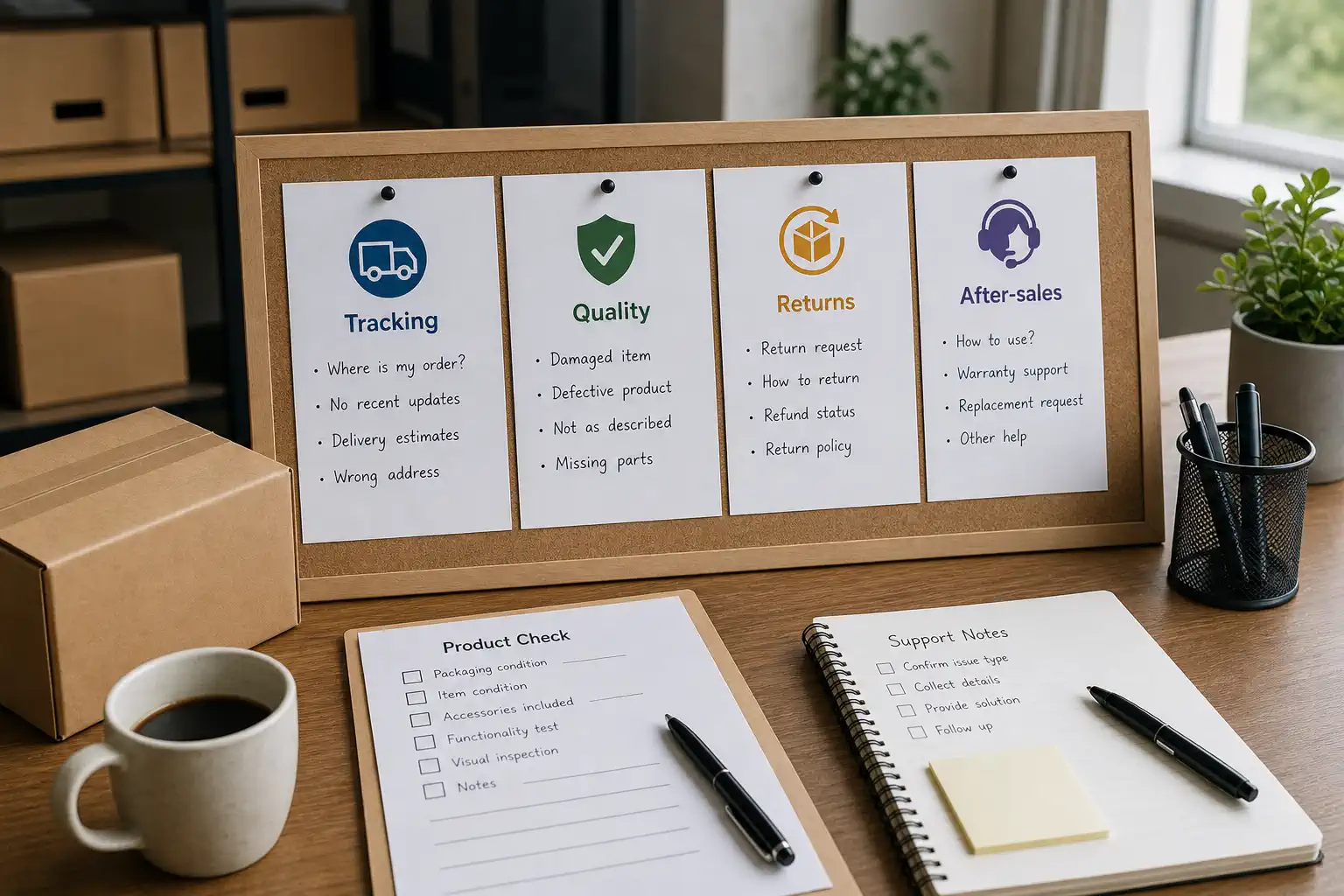
Tracking updates are not enough when the underlying problem is product quality, wrong dispatch, weak packing, poor route choice, or unclear policy.
If customers email because they received the wrong product, a live tracking page will not solve the issue. If parcels arrive damaged, the problem belongs closer to product checks and packing. If delivery promises were unrealistic, the issue belongs in product-page claims, shipping policy, and route selection.
This boundary matters for operations. This article is about reducing order-status emails. Broader quality problems need quality-control work, while post-delivery issues may belong to returns or after-sales handling.
A practical diagnostic is simple:
- If the customer asks “Where is it?”, improve status visibility.
- If the customer asks “Why did I receive this?”, improve product and packing control.
- If the customer asks “Can I return it?”, improve return policy and after-sales workflow.
- If the customer says “This is not what I ordered,” investigate listing, supplier, variant, and dispatch accuracy.
The best support system does not force every problem into tracking. It routes the problem to the right owner.
Key Takeaway: Tracking updates reduce WISMO volume, but they do not repair physical execution failures. Use them with product checks, route review, packing confirmation, and clear after-sales rules.
FAQ
Can tracking updates really reduce customer service emails by 80%?
Yes, but only when most existing emails are preventable tracking questions. If your inbox is mostly refunds, damaged products, wrong items, or policy disputes, the total reduction will be lower even if tracking support improves.
What is the difference between tracking automation and tracking support?
Tracking automation sends routine updates, while tracking support defines what the team does when tracking is missing, stalled, confusing, or disputed by the customer. You usually need both.
Should I email customers every time tracking changes?
No. Too many emails can create noise. Send updates at meaningful milestones and exceptions: shipment confirmation, first movement, local handoff when useful, delivery attempt, delay review, and delivery confirmation.
Is this only for Shopify sellers?
No. The workflow can also help TikTok Shop, WooCommerce, Amazon, and eBay sellers.
When should I get help from a private agent?
Consider it when tracking problems come from backend execution: supplier delay, unclear dispatch, poor route selection, weak tracking write-back, or slow exception handling. If the issue is only a helpdesk template, fix the template first.
Conclusion
Customer service emails do not rise only because buyers are impatient. They rise when the store cannot show what is happening clearly enough for the buyer to trust the process. For Shopify dropshipping sellers, proactive tracking updates can remove a large share of repetitive WISMO emails when they connect to dispatch reality, route visibility, exception rules, and conservative communication.
The strongest system has three parts: automatic updates for normal milestones, human review for exceptions, and backend control that makes tracking information reliable in the first place. That is where qualified sellers can move beyond generic tracking links and build a support workflow that protects both the customer experience and the team’s time.
If your store already has orders and the inbox is filled with tracking questions, Runtodropship can help you review the backend workflow behind those messages: sourcing coordination, product checks, packing confirmation, shipping arrangement, tracking write-back, and after-sales support. Share your product type, main destination countries, current order volume, and the tracking questions customers ask most often so the next step can be based on the real workflow, not guesswork.