

If you are searching for “yunexpress tracking not updating,” the parcel is usually between scan events, waiting for a physical handoff, moving through air transport or customs, or already changing to a local carrier. A silent page is a signal to identify the last confirmed stage—not proof that the package is lost.
Quick Answer: Read the last event literally, find who physically controls the parcel now, and compare the scan age with the order’s promised delivery window. Check the local tracking number after destination arrival. If the latest event does not prove physical acceptance, ask the seller for handover evidence; if the parcel is beyond its stated window, escalate with a complete evidence pack rather than repeatedly refreshing the same page.
A familiar pattern starts with one worried buyer, then becomes a queue of “Where is my order?” messages across stores. Support sees no new scan, operations sees no obvious exception, and nobody knows whether to wait or investigate. The way out is to translate the status into a physical stage, assign the next check to the party that can actually perform it, and give the customer a specific update without inventing a delivery date.
Why Is YunExpress Tracking Not Updating?

Tracking stops updating when the parcel is moving between systems or when the next physical checkpoint has not created a public scan. Cross-border tracking is a chain of event messages, not a continuous GPS feed.
Each status becomes clearer when you connect it to the physical checkpoint behind the scan.
The most common quiet points are label creation before carrier acceptance, consolidation before export, airport or flight scheduling, import customs processing, and the gap between YunExpress and the destination carrier. The parcel may move during a scan gap, but it may also be waiting. The wording of the last confirmed event tells you which possibility to test first.
If the carrier model itself is unfamiliar, start with how YunExpress moves cross-border parcels before troubleshooting a stalled tracking event. For troubleshooting, keep the question narrower: who has the parcel, what event proves that, and which system should create the next scan?
Key Takeaway: Never reassure a customer with “it is still moving” unless the record supports that judgment. State the confirmed stage, the missing next event, and the action you will take if that event does not appear within the order-specific delivery window.
Read the Timeline as Handoffs, Not a Live Map
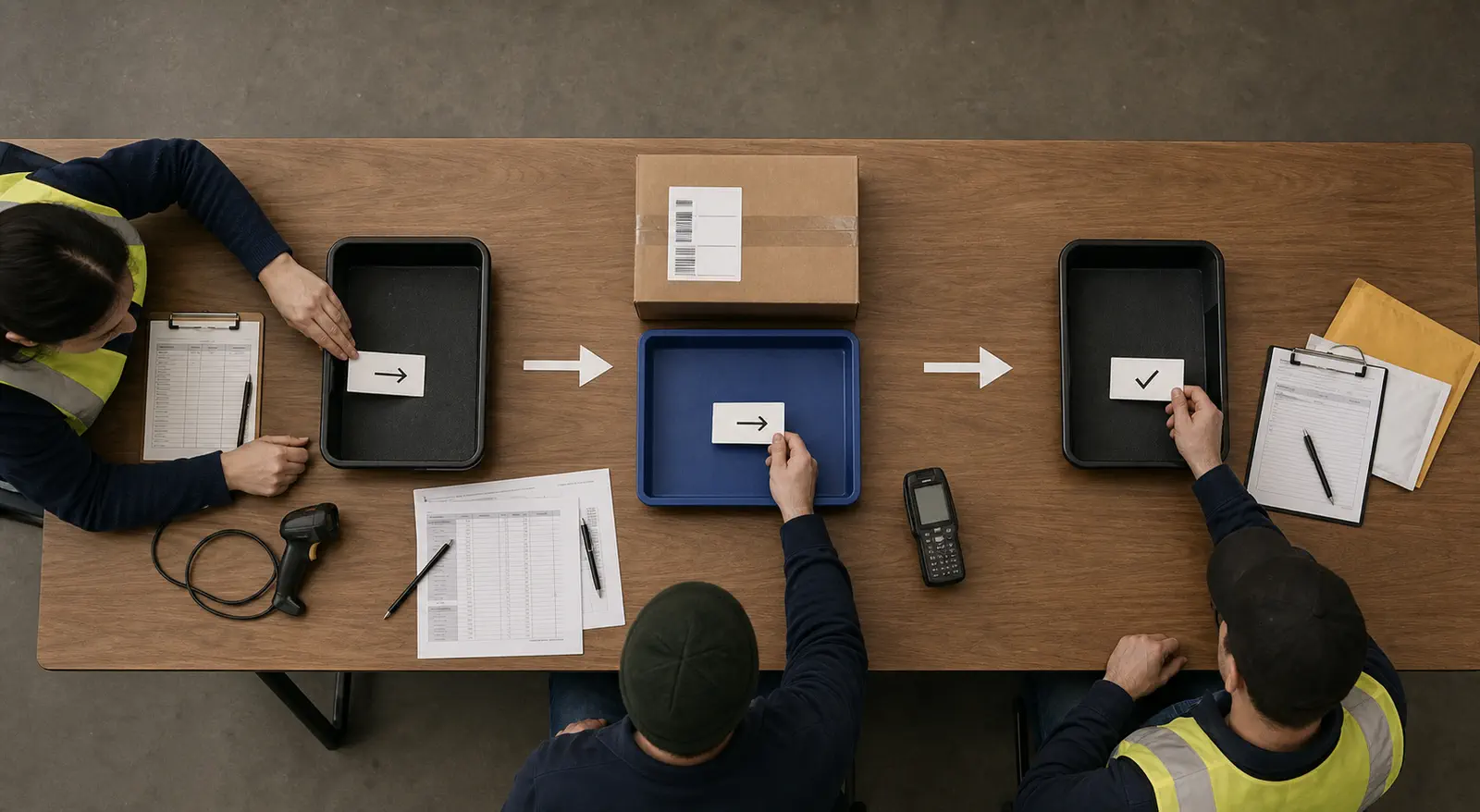
A YunExpress timeline becomes useful when you separate data events from physical events. “Shipment information received” proves that shipment data exists. “Arrived at origin facility” is stronger evidence that the parcel entered an operating facility. A flight event, customs event, and local-carrier event each transfer responsibility to a different part of the route.
Use the official YunTrack portal as the first record, then note five items before interpreting anything:
- The exact latest status and timestamp.
- The location attached to that event, if shown.
- The previous event and the gap between them.
- The last-mile carrier and second tracking number, if available.
- The store’s promised delivery range and any buyer-protection deadline.
Estimated dates are not scans. When tracking sites normalize wording differently, preserve both screenshots and prioritize the underlying carrier event.
Origin Statuses: Label Created, Accepted, and Departed
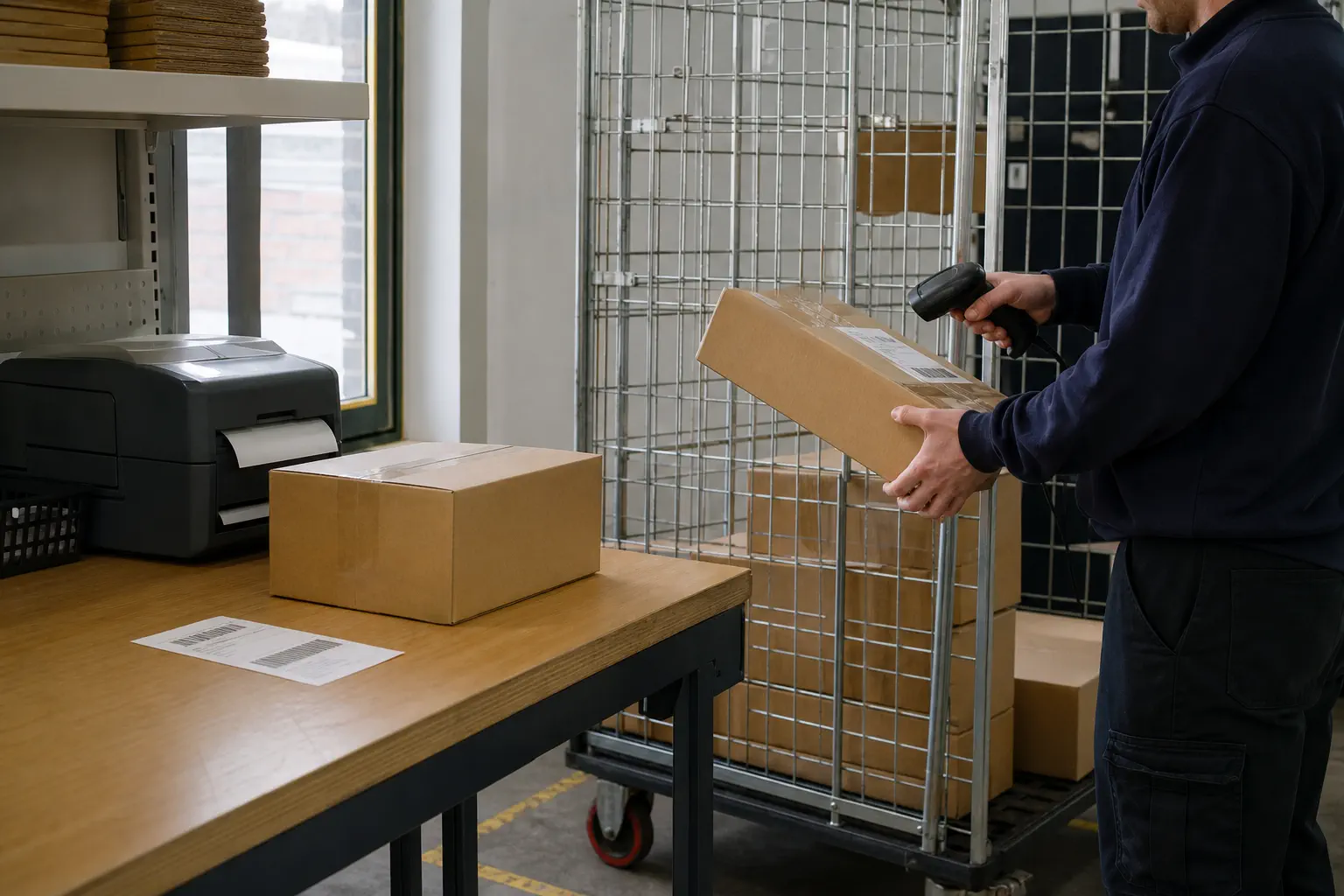
Origin statuses tell you whether the parcel is merely announced or has physically entered the transport network. This distinction is the first defense against a false-shipment assumption.
| Status wording | What it normally establishes | What it does not establish | Seller check |
|---|---|---|---|
| Shipment information received / Processing | Shipment data or a label was created | Carrier pickup or physical movement | Ask for packing and handover evidence if it remains unchanged |
| Arrived at origin facility | A facility recorded the parcel | Export departure | Watch for sorting or departure events |
| Departed from sort facility | It left that named facility | Airline departure or destination arrival | Check the next gateway event |
| In transit to next facility | Movement or transfer is recorded in broad terms | A precise current location | Use adjacent timestamps and locations |
A number created before collection is not automatically fake, but it is not proof of dispatch. Reconcile the order, packed parcel, label, and acceptance event; a break in that chain points to a pre-transport issue.
Airline Statuses: Handover, Departure, and Arrival

Airline statuses describe preparation and linehaul milestones, not door-to-door progress. “Handed over to airline” usually means the shipment entered the air-transport handoff process; it does not necessarily mean the aircraft has departed.
Handed Over to Airline
The parcel may be with an airline handler, inside a consolidated shipment, or waiting for an assigned movement. Space allocation, security handling, consolidation, and flight schedules can create a quiet period without producing parcel-level scans. The practical next proof is an actual departure or destination-arrival event.
International Flight Has Departed
This indicates the international air leg has started or was recorded as departed. The next visible event may not appear until destination arrival or import processing. Avoid promising that the parcel will immediately enter customs; airport unloading, data transfer, and gateway processing can sit between those events.
International Flight Has Arrived
This means the international flight reached the destination gateway or country in the tracking data. It does not mean the parcel cleared customs, reached the customer’s city, or entered a delivery vehicle. For “yunexpress international flight has arrived,” the next useful checks are import clearance and last-mile assignment—not the buyer’s doorstep.
Customs Statuses: Processing, Inspection, and Completion
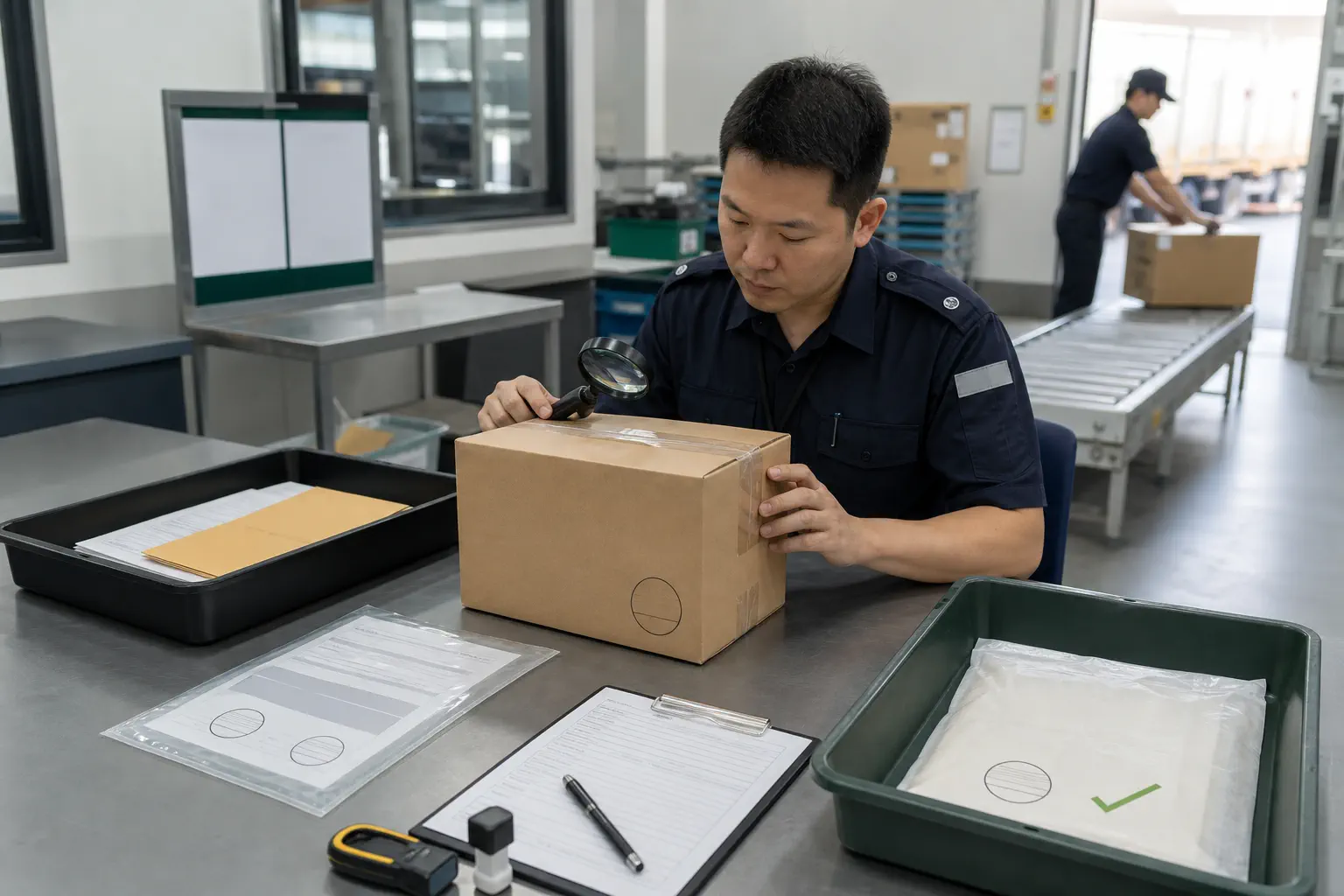
Customs statuses show the import-control stage, and their wording must not be collapsed into one generic delay. Processing means the shipment is in the clearance workflow. Inspection means additional review may be occurring. Completion means the clearance process recorded a finished or released state, but onward transfer can still require another operational scan.
A customs inspection can pause a shipment while documents receive extra review.
“Clearance processing completed – Import” is commonly misunderstood. When YunExpress shows “Clearance processing completed – Import,” it means the import-clearance stage has been completed in the tracking record; it is not the same as “delivered to local carrier” or “out for delivery.” The parcel may still wait for release data to synchronize, deconsolidation, pickup, or induction into the destination network.
If customs requests information, the seller or shipping account holder may need to supply shipment or product documents. Customer support should not guess what customs wants. It should identify the request, assign an owner, preserve the deadline, and tell the buyer only what has been confirmed.
Key Takeaway: A customs-completed scan closes one control stage; it does not start a delivery promise. Escalate when a specific request or exception appears, or when the shipment exceeds its route-specific window—not simply because there is no door-delivery scan immediately after clearance.
Local Carrier Statuses, Including the GOFO Regional Hub
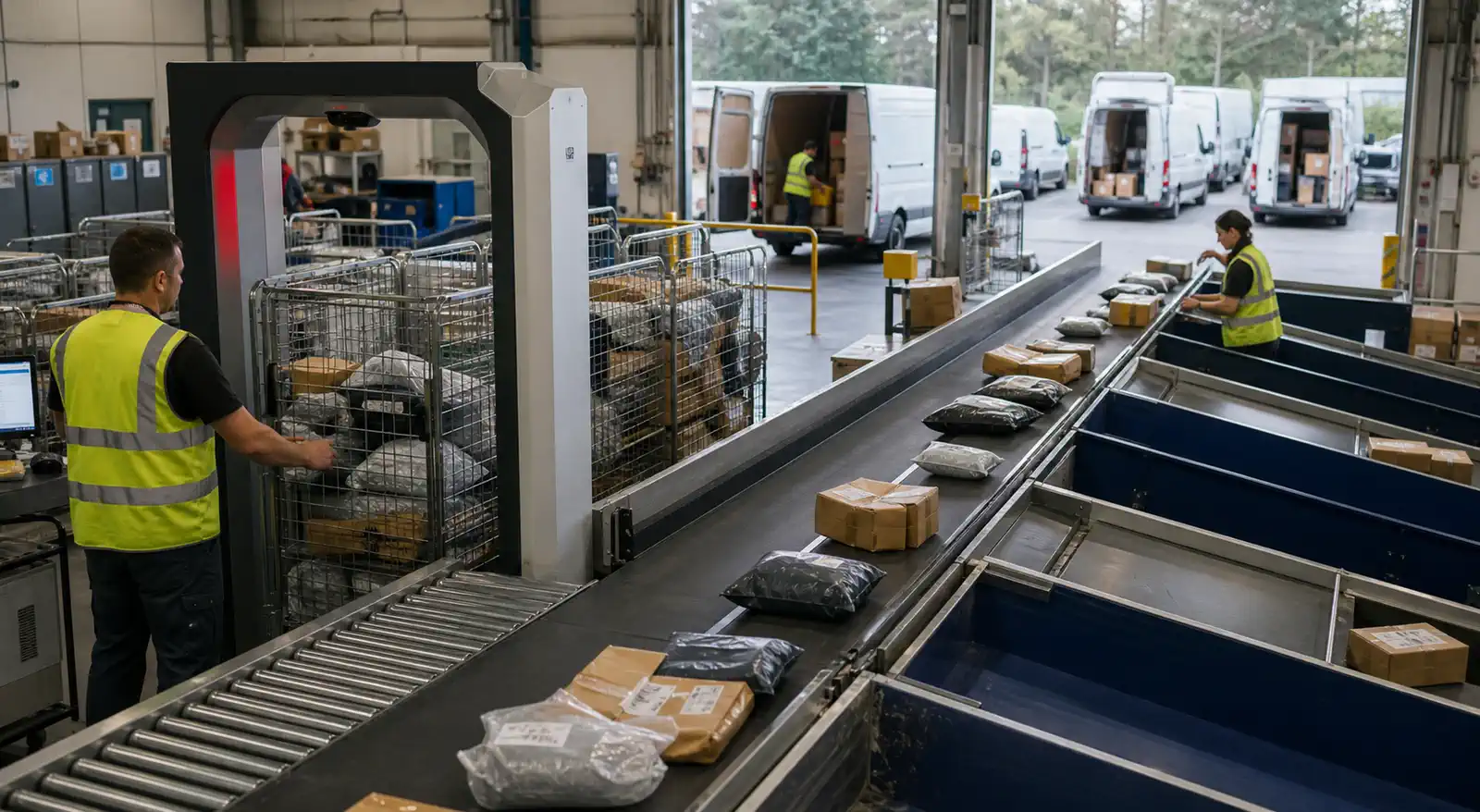
Local-carrier statuses mean the international journey is giving way to destination sorting and final delivery. At this stage, the local tracking number often becomes more useful than the original number.
“Delivered to local carrier” means a handoff to the last-mile network has been recorded. It does not mean delivered to the customer. When the status says “Delivered to local carrier,” the next action is to locate the last-mile carrier name and second tracking number, then check that carrier’s own acceptance record. A pre-shipment record on the local site may show that data arrived before the physical parcel was inducted.
“Accepted at destination facility” is stronger evidence that the destination operator scanned the parcel. If the timeline says arrived at GOFO regional hub YunExpress users are usually seeing a GOFO last-mile event: the parcel has reached a regional sorting point and still needs to move toward a delivery station and driver. A regional hub is not the customer’s local post office, and physical proximity on a map does not guarantee immediate delivery.
The correct troubleshooting sequence is:
- Find the last-mile number in YunTrack or the merchant’s shipment record.
- Confirm whether the local carrier shows data received, physical acceptance, hub arrival, or departure.
- Use the local carrier’s support route once it has physically accepted the parcel.
- Keep the seller involved when the two systems disagree about custody.
When the destination is the United States, use the YunExpress USA last-mile carrier guide to distinguish USPS, GOFO, and other possible regional assignments and to verify whether the domestic carrier has physically accepted the parcel.
Last-Mile Exceptions: Attempted, Delivered, and Returned
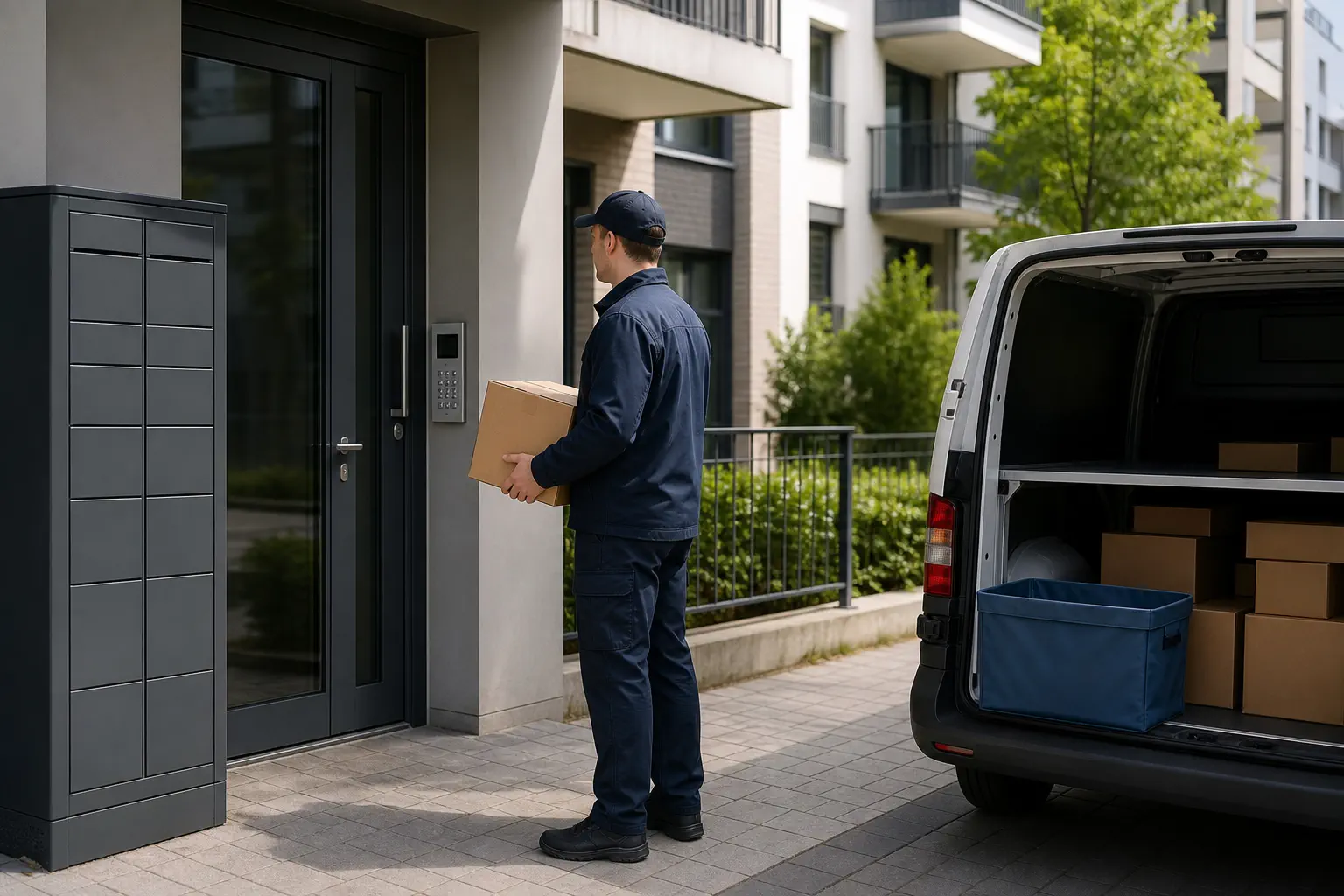
Last-mile exception wording requires action because the parcel is close to the recipient or has reached a terminal outcome. The local carrier’s record is normally the primary operational source at this stage.
For “delivery attempted,” check the address, access instructions, phone details, pickup notice, and whether another attempt is planned. For “available for pickup,” confirm the facility and collection requirements directly with the local carrier. For “returned to sender” or “returned to local facility,” identify the reason before promising replacement or refund.
A “delivered” scan with no parcel should trigger a location check: mailbox, parcel locker, reception, safe place, household members, and neighbors where appropriate. Then request the local carrier’s delivery details or proof through the correct account holder. Do not tell the customer the parcel is lost solely because it is not immediately visible, and do not insist it was received solely because the page says delivered.
Diagnose a YunExpress Package Not Moving by Stage
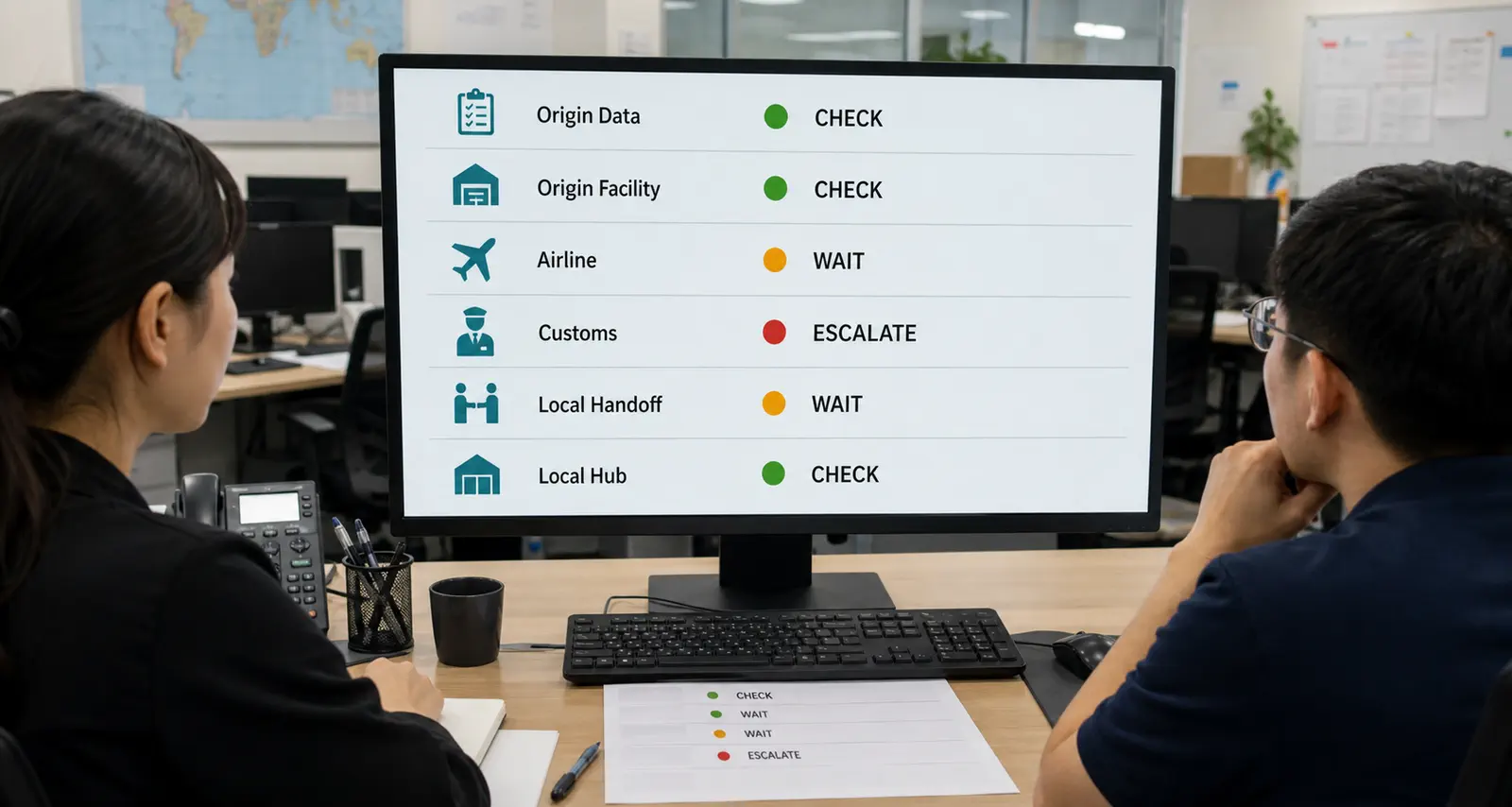
A package that appears motionless needs a stage-specific test, not one universal waiting rule. Compare the last scan with the next event that should logically follow.
| Last confirmed stage | Normal source of silence | Evidence to request | Escalation owner |
|---|---|---|---|
| Shipment data received | Parcel not yet accepted | Packing record, label, handover or acceptance scan | Seller, supplier, or agent |
| Origin facility / export | Consolidation or gateway transfer | Facility departure and route confirmation | Shipping account holder |
| Airline handover / departed | Flight scheduling or no intermediate scan | Departure, arrival, or gateway event | Shipping account holder |
| Import processing | Clearance queue or information request | Clearance event or documented request | Account holder and relevant broker/carrier contact |
| Cleared / local handoff | Deconsolidation or induction gap | Local number and physical acceptance | International and local operators |
| Local hub | Sorting, route assignment, or exception | Hub departure, station arrival, exception detail | Local carrier |
Judge urgency against the promised YunExpress shipping time, the age of the last physical scan, and any dispute deadline. A high-value order, repeat destination pattern, or batch of parcels stopping at the same stage deserves earlier operational review than one isolated parcel still inside its stated range.
Key Takeaway: The best escalation threshold is contextual. Use the route promise, last physical event, concentration of affected orders, and protection deadline together; a fixed “wait X days” script can be too early for one stage and dangerously late for another.
Check for Invalid, Recycled, or Suspicious Tracking

A tracking number is suspicious when the seller cannot connect it to the customer’s order, destination, parcel, and physical acceptance—not merely because the first public scan is slow. False certainty in either direction creates avoidable disputes.
Tracking number verification starts with the order record and ends with carrier acceptance evidence.
Start by copying the number from the order record rather than retyping it. Confirm the destination country and order reference shown in the carrier data, while protecting customer information. Ask the dispatching party for a label image or shipment record, packing confirmation, and a physical acceptance event. If the number belongs to a different destination, predates the order, repeatedly returns “not found” after the claimed handoff, or cannot be reconciled to the parcel, place the case on hold for investigation.
Marketplace buyers should preserve their protection deadlines and communicate through the platform where appropriate. Store operators should preserve the original order, label, tracking history, supplier messages, and customer communications. A screenshot alone can be edited or become stale; a reliable evidence chain ties the same order through each operational record.
When Should You Contact the Seller, YunExpress, or the Local Carrier?
Contact the seller first when the tracking number has no physical acceptance scan, the destination looks wrong, or the parcel has not moved beyond “Shipment information received.” The seller, supplier, or agent is the party most likely to confirm whether the order was packed and handed over.
Contact the shipping account holder or YunExpress support when the parcel has a real YunExpress scan but stops at export, airline handover, customs, or route-level processing beyond the promised window.
Contact the local carrier when the local tracking number shows physical acceptance, hub arrival, out for delivery, delivery attempted, available for pickup, or delivered. Before that point, the local carrier may only have data, not the parcel.
Build an Escalation Pack Before Contacting Support

A complete escalation pack lets the carrier account holder investigate without another round of basic questions. It should contain only the data needed for the case and should avoid exposing customer information in unsecured channels.
Include the store order ID, full carrier and last-mile tracking numbers, route or service name if known, origin and destination country, latest event with timestamp, promised delivery range, screenshots from both tracking systems, parcel or handover evidence, and the exact question to resolve. For example: “Has the parcel been physically inducted by the local carrier, and which operator owns the next scan?” is more useful than “Where is it?”
A Real Handoff Case from July 2025
In a public July 2025 shipping discussion, a buyer reported customs release on July 12 and “Delivered to local carrier” on July 14, while USPS showed only that a label had been created and it was awaiting the parcel. Another participant in the same public handoff discussion said a similar gap lasted about a day and a half before USPS updated and delivery followed. This anecdote is not a delivery-time benchmark. It demonstrates why “handoff recorded” and “physically accepted by the local carrier” must be checked separately.
Give Customers a Specific, Evidence-Safe Update

A good customer update says what happened, what it means, what you are checking, and when the customer will hear from you again. It does not copy a vague carrier phrase and call that support.
Use language such as:
Your parcel’s latest confirmed event shows that the international flight arrived. Import processing and local-carrier assignment still need to appear. We are monitoring those next checkpoints and will update you again after a new scan or our operational review.
For a local handoff:
The shipment record shows a transfer to the destination delivery network. We are checking the local tracking number for physical acceptance, because the handoff message alone does not mean the parcel has reached a delivery vehicle.
These messages work because they preserve the boundary between a known event and an expected next step. A broader customer service workflow for dropshipping should also define who can approve replacements, refunds, address corrections, or carrier inquiries so support does not improvise policy under pressure.
Turn Tracking Exceptions into a Seller Control System

A seller control system separates normal silence from exceptions, assigns ownership, and records outcomes by route and destination. This turns repeated customer questions into operational evidence.
Create a shared exception queue with order ID, route, latest physical scan, scan age, promised window, last-mile number, risk level, owner, next action, and next review time. Group affected orders by the same route and checkpoint. One stopped parcel may be isolated; a batch stopping after the same gateway event can justify a route-level inquiry.
Automation can send visible updates and collect events, but it cannot confirm an unscanned parcel, obtain supplier-side handover proof, or resolve contradictory custody records. A well-designed tracking update support process should therefore connect software alerts with a human exception owner and an evidence standard.
For sellers using disconnected marketplace suppliers, the main weakness is often accountability: the store receives a number but has little leverage to verify the physical order. A private-agent workflow can connect sourcing, product checks, packing confirmation, dispatch records, route selection and tracking follow-up, and after-sales handling. When a trace stalls, a dedicated Chinese-speaking account manager can use available carrier-side communication channels to request a case-level update instead of leaving the seller to refresh a public page blindly.
Key Takeaway: Choose an operating model that can produce evidence before dispatch and obtain accountable follow-up after dispatch. Tracking software improves visibility; it does not replace physical verification or a person who owns the exception.
FAQ
Why is my YunExpress tracking not updating after several days?
YunExpress tracking may stop updating when the parcel is waiting for the first physical scan, moving between export and destination systems, passing through customs, or changing to a local carrier. Check the last confirmed physical event first, then compare YunTrack with the local carrier record before treating the parcel as lost.
How long can YunExpress tracking stay unchanged?
There is no safe universal number. Compare the last physical event with the route’s promised window, the expected next checkpoint, the last-mile record, and any buyer-protection deadline. Investigate earlier when multiple orders stop at the same stage.
Does “international flight has arrived” mean customs is complete?
No. It indicates destination arrival in the tracking record. Import processing, release, deconsolidation, and local-carrier induction can still follow.
Does “clearance processing completed” mean delivery is next?
Not necessarily. It means the import-clearance stage recorded completion. The parcel may still need release synchronization, transfer, local-carrier acceptance, sorting, and final delivery.
What should I do when GOFO has the last-mile parcel?
Use the GOFO tracking number and identify whether the record shows data received, regional-hub arrival, delivery-station arrival, or an exception. Contact GOFO for a parcel it has physically accepted; keep the seller involved if custody records conflict.
Who should contact YunExpress about a stalled shipment?
Usually the seller, supplier, agent, or other shipping account holder has the strongest investigation path. A consumer should first contact the merchant, while the merchant should escalate with the complete order and tracking evidence.
Conclusion
A quiet YunExpress page becomes manageable once you stop treating every pause as the same problem. Identify the last physical event, distinguish airline arrival from customs completion, separate a recorded handoff from local physical acceptance, and give customers an update that names the next checkpoint without inventing a delivery date.
Growing sellers also need more than a tracking page. They need dispatch evidence, an exception owner, carrier-side follow-up, and customer messages grounded in the same operational record. As a private dropshipping agent team, RuntoDropship takes ownership of logistics exceptions for our clients by coordinating sourcing records, product checks, packing confirmation, order execution, shipping arrangement, tracking follow-up, and after-sales support in one accountable workflow. When a shipment stalls, we do not leave the seller to refresh a public tracking page alone; we investigate the handoff, follow up with the responsible party, and work to reduce the seller’s loss.
If stalled tracking events are creating repeated WISMO tickets, refund requests, or chargeback risk, send your product links, main destinations, current daily order volume, and several anonymized tracking examples for a route-and-process review.