
Choosing the right WooCommerce dropshipping plugins is the first step toward building a more automated online storefront without the headache of managing physical inventory. Many e-commerce entrepreneurs jump into dropshipping hoping for easy passive income, only to find themselves buried under hours of manual product uploading, tedious order transfers, and endless tracking sheet updates. This constant manual workload leaves you vulnerable to inventory mismatches and shipping delays, sparking anxiety as angry customer emails pile up and your hard-earned merchant account standing drops.
Fortunately, integrating the right woocommerce dropshipping plugins transforms this chaotic workflow into a hands-free, automated pipeline. By automating your catalog imports, stock levels, and order processing, these smart tools free up your time so you can focus entirely on marketing and scale.
What are the top woocommerce dropshipping plugins?
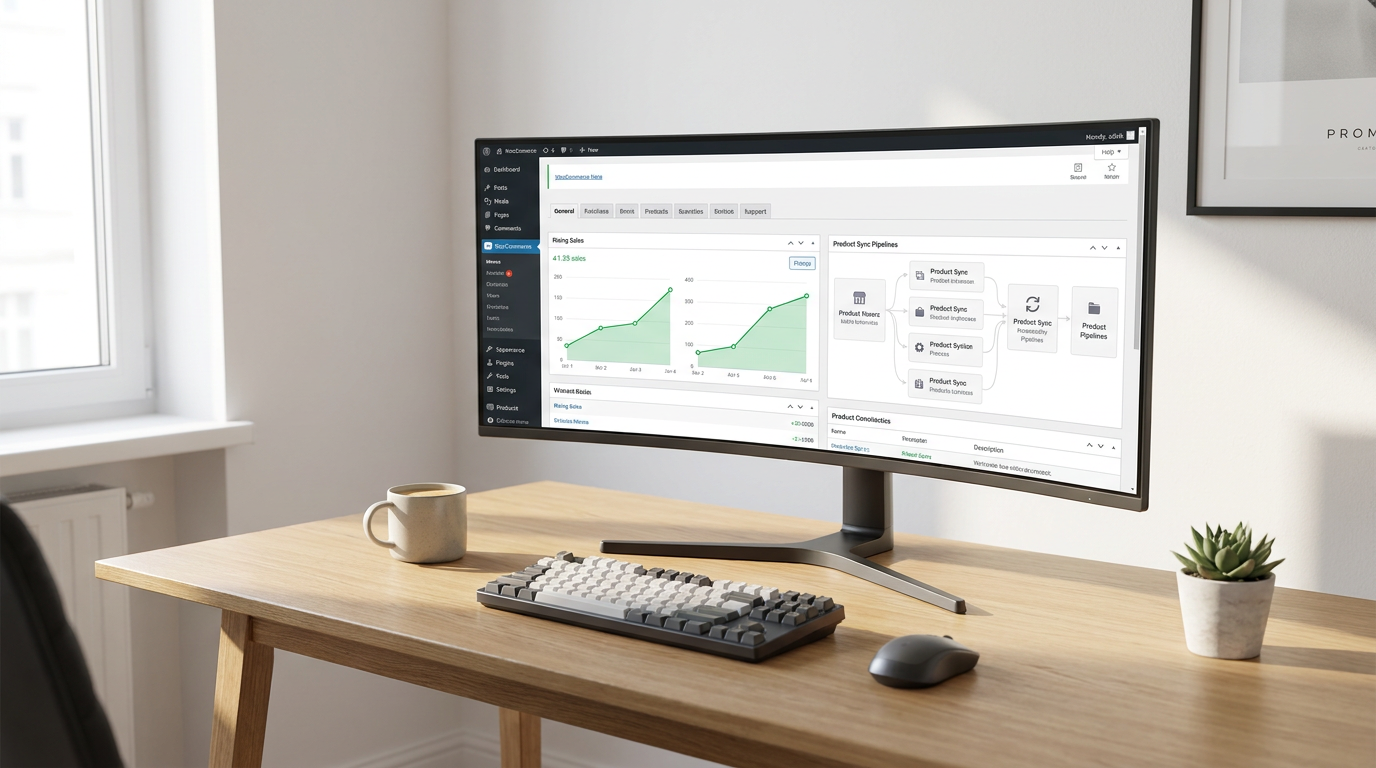
The top WooCommerce dropshipping plugins are software tools that bridge the gap between your WordPress site and global suppliers to automate product listings, stock syncing, and order fulfillment. By shifting from manual database entries to automated, API-driven workflows, these tools allow your storefront to update product specifications and inventory numbers instantly. As you explore the best tools on the market, it is helpful to look at how hosting models, sync speeds, and supplier pools differ.
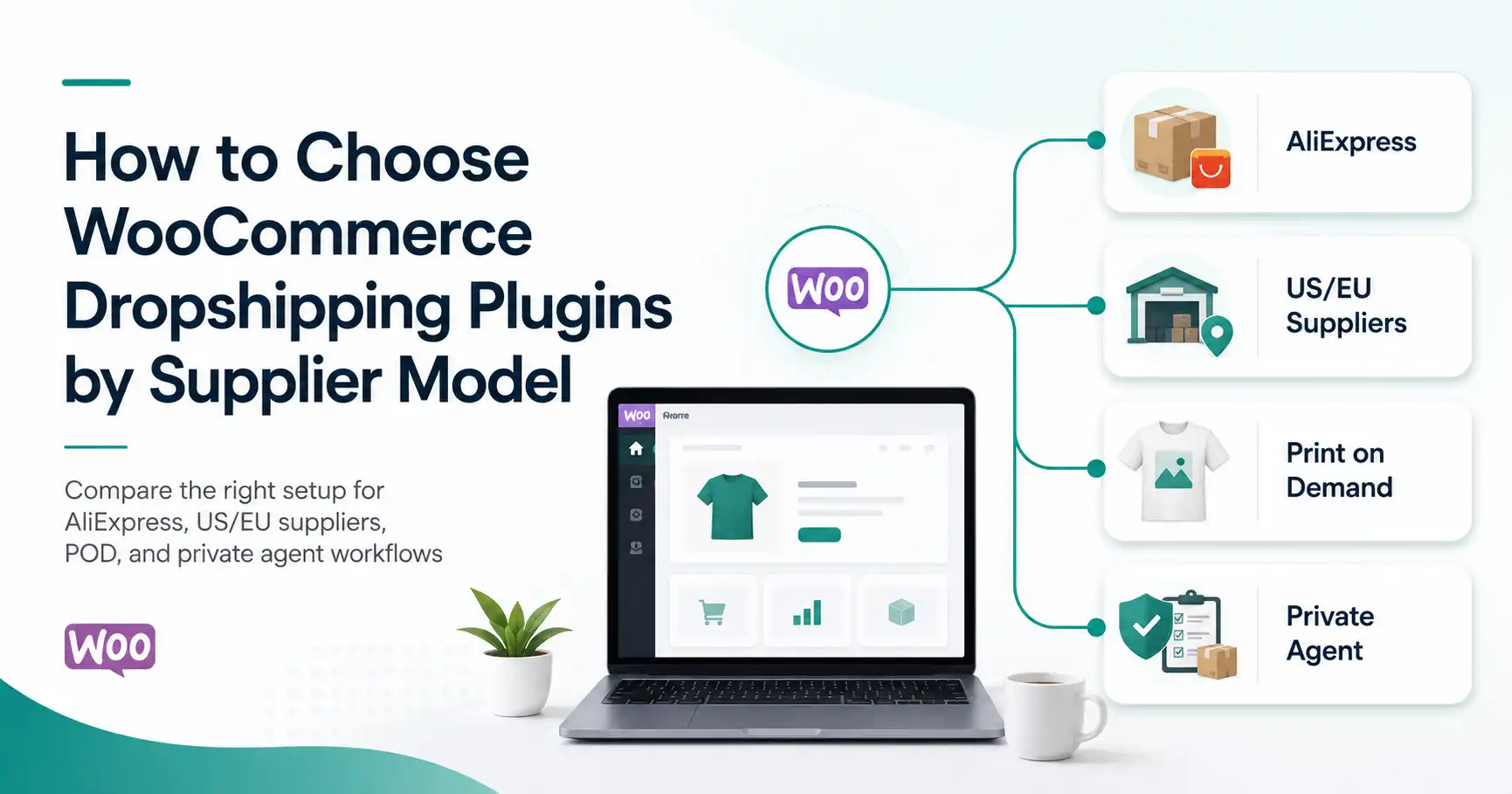
Before comparing plugin names, identify your supplier model first. A plugin built for AliExpress behaves differently from a supplier-network app like Spocket or Syncee, a print-on-demand tool like Printful or Printify, or a setup that sends orders to your own supplier through email, CSV feeds, or API connections. The best WooCommerce dropshipping plugin is not simply the one with the longest feature list; it is the one that matches how your supplier receives orders, updates stock, and returns tracking information.
Why is WooCommerce ideal for online sourcing?
WooCommerce provides unparalleled flexibility and ownership over your store data, making it the perfect foundation for a custom dropshipping business. Unlike closed SaaS environments, WordPress allows you to install lightweight plugins that directly query supplier databases without restrictive platform transaction fees.
This open-source flexibility ensures that you can design unique buyer journeys, run custom marketing funnels, and optimize your checkout process for maximum conversions. Ultimately, you retain absolute control over your digital assets while easily integrating automated sourcing tools.
How do automated plugins scale your store?
Automated plugins scale your e-commerce storefront by eliminating the manual bottlenecks that limit daily order processing capabilities. Implementing strategies for expanding a dropshipping business requires robust background processes that handle bulk inventory updates and instant customer notifications.
Without software-driven automation, scaling past ten orders a day inevitably leads to tracking errors, mismanaged margins, and customer service fatigue. Automation shifts your daily focus from data entry to strategic growth, enabling high-volume performance.
| Supplier Model | Plugin Type to Test | Best Fit | Main Risk to Check |
|---|---|---|---|
| AliExpress or marketplace products | Marketplace connector | DSers, AliDropship, AliNext-style tools | Supplier listing changes, variant mapping, shipping option changes |
| US/EU supplier network | Supplier-network integration | Spocket, Syncee, AppScenic-style tools | Supplier-specific returns, shipping origin, product restrictions |
| Print-on-demand products | POD integration | Printful, Printify | Production quality, provider routing, fulfillment time |
| Your own supplier or private-agent workflow | Supplier notification, XML/CSV feed, or API setup | WooCommerce supplier tools, feed importers, custom workflow | Order handoff, tracking return, field ownership, exception handling |
This comparison shows why supplier model should come before plugin name. A tool that works well for AliExpress may be the wrong setup for a POD catalog, a US/EU supplier network, or a private supplier workflow.
Key Takeaway: Choosing between a SaaS-based integrator and a local plugin depends on your hosting capabilities and the level of real-time automation your store requires.
To see how these concepts translate into real-world applications, let us look at the specialized tools that connect you to global supply chains.
Which tools dominate AliExpress automated sourcing?
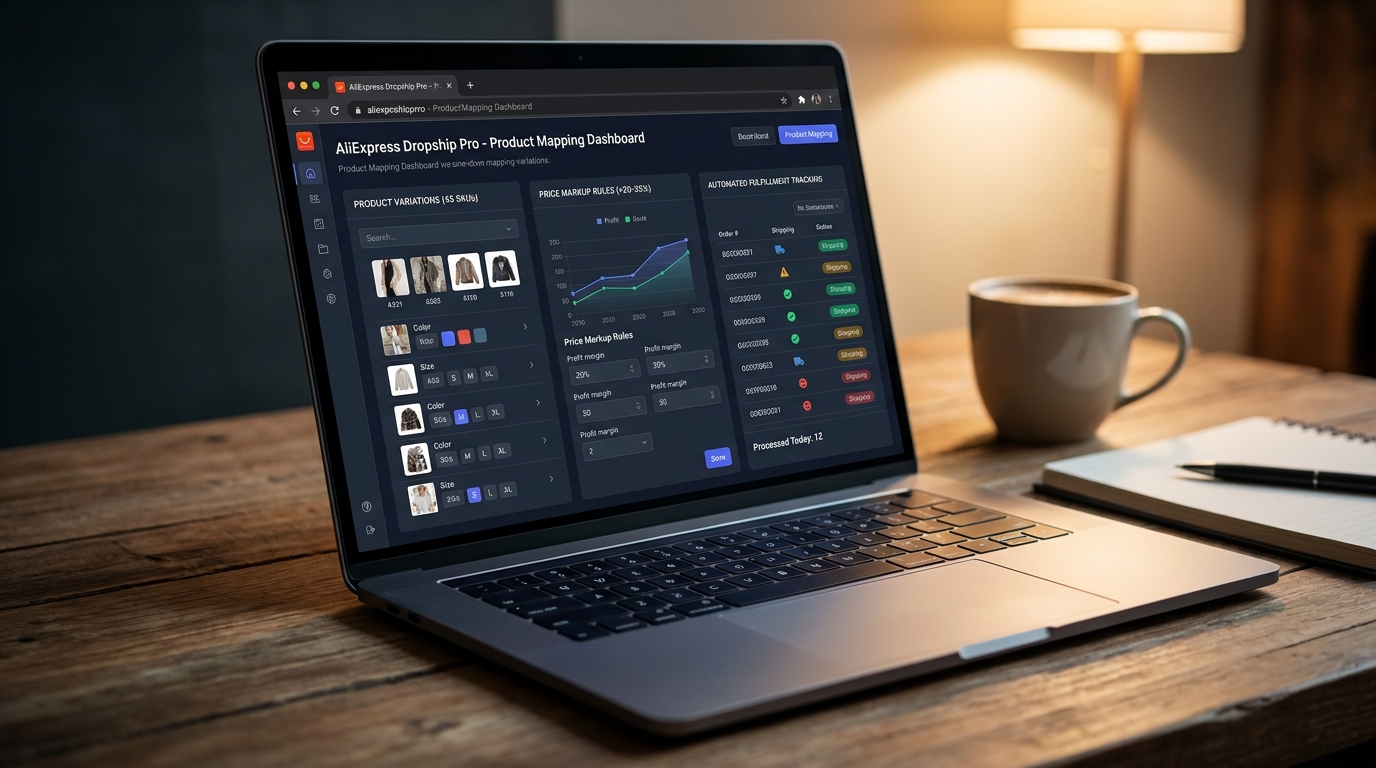
The tools that dominate AliExpress automated sourcing are specialized importer plugins designed to map product variations, set price markup rules, and process bulk orders directly on the platform. These popular product import extensions handle the complex task of importing dozens of product variations and thousands of reviews with a single click. Let us examine how the most prominent plugins perform under heavy operational loads.
Is AliDropship the best lifetime payment choice?
AliDropship is a highly cost-effective, one-time payment plugin that gives you complete control over your AliExpress dropshipping workflow without recurring fees. For a flat fee of eighty-nine dollars, it provides lifetime updates, integrated marketing tools, and a built-in image editor.
While the initial setup is seamless, keeping the plugin running optimally requires manual server updates and routine compatibility checks with your WordPress host. It remains a top choice for bootstrapping entrepreneurs who want to keep monthly software overhead at zero.
How does DSers optimize high-volume ordering?
DSers optimizes high-volume dropshipping operations by allowing you to process and pay for up to one hundred orders simultaneously on AliExpress. As the official partner of AliExpress, it offers advanced supplier optimization tools that help you quickly identify cheaper, more reliable vendors.
Its robust API-driven architecture ensures that stock changes and price updates sync directly to your WooCommerce dashboard without lagging. This makes it an incredibly powerful solution for high-growth stores experiencing consistent daily sales.
If you are comparing AliExpress-focused automation with broader multi-source automation, the DSers vs AutoDS comparison can help you understand where DSers fits and where a wider automation platform may be stronger.
Why choose AliNext for modern store imports?
AliNext is a modern, actively developed import extension that excels in importing clean product catalogs and high-resolution media directly from AliExpress. It features a built-in Chrome extension that translates descriptions on the fly and filters out unwanted shipping carriers.
The plugin also supports automatic inventory syncing, ensuring you never sell out-of-stock variations. It acts as a highly reliable, up-to-date solution for merchants who value catalog cleanliness and fast data imports.
| Plugin | Sourcing Target | Pricing Model | Best Feature | Key Limitation |
|---|---|---|---|---|
| AliDropship | AliExpress | $89 (One-time payment) | Lifetime updates, built-in marketing tools | Exclusively tied to AliExpress, slower updates |
| DSers | AliExpress | Freemium (Paid plans from $19.90/mo) | 100+ bulk order processing, supplier optimization | Steep learning curve for WooCommerce users |
| AliNext (Lite/Pro) | AliExpress | Freemium (Pro version $15-$30/mo) | Native in-dashboard Chrome editor, direct imports | Advanced bulk automations require premium addons |
While AliDropship offers a compelling flat-rate pricing model, DSers remains the unmatched choice for high-volume order processing.
AliExpress-focused plugins are useful when the marketplace controls product discovery and order placement, but they also create dependency. A supplier can change a product ID, remove a variant, adjust a shipping option, or edit the listing outside your WooCommerce store. Before scaling an AliExpress product, check whether the plugin can detect broken imports, remap variants, pause affected products, and prevent orders from continuing when supplier data changes.
If AliExpress product testing starts creating supplier instability, shipping uncertainty, or packaging limits, compare AliExpress alternatives before assuming another plugin will solve the whole problem.
Key Takeaway: Bootstrapping stores should choose AliDropship for its lifetime license, while high-volume operations should rely on DSers for bulk-ordering capacity.
While AliExpress is excellent for low-cost sourcing, bridging over to Western networks can dramatically elevate your delivery times.
Where does Dropshipping for WooCommerce fit?
Dropshipping for WooCommerce is the official WooCommerce Marketplace extension by OPMC. It can manage supplier emails, assign inventory to suppliers, support AliExpress imports through the WooCommerce Dropshipping Chrome extension, and handle basic supplier handoff inside WooCommerce. It is worth checking if you want a WooCommerce-native extension, but you should review its current rating, update history, active installs, and feature depth before choosing it over a specialized AliExpress or supplier-network tool.
How do you source from premium US and EU suppliers?

Sourcing from premium US and EU suppliers requires utilizing localized e-commerce automation tools that connect your store to verified domestic warehouses for rapid delivery times. These premium platforms bypass international shipping delays by holding curated stock in local regional hubs. Transitioning to domestic fulfillment networks minimizes shipping complaints, even if it reduces your initial profit margins.
Does Spocket justify its monthly premium cost?
Spocket easily justifies its premium monthly subscription by providing access to vetted US and EU suppliers that ship products in two to seven business days. This fast shipping window dramatically improves customer satisfaction and helps you build a reputable, long-term brand.
Furthermore, the platform provides automated invoicing and real-time inventory tracking, reducing the risk of selling out-of-stock items. It is an excellent investment for brands focusing on fast-moving niches like fashion or home decor.
Can Syncee connect you to B2B wholesale networks?
Syncee excels at connecting WooCommerce stores directly to thousands of global, regional-based B2B manufacturers and wholesale suppliers. It allows you to search a massive catalog of high-quality products and directly negotiate terms with vendors.
The built-in communication system allows dropshippers to chat with suppliers directly, securing custom pricing and packaging deals. This professional direct connection is perfect for stores looking to graduate from generic dropshipping to structured wholesale supply chains.
| Plugin Platform | Supplier Pool | Core Premium Features | Monthly Pricing Tier |
|---|---|---|---|
| Spocket | 60,000+ US/EU Vetted Suppliers | Branded invoicing, curated premium lists | Plans start at $39.99/mo |
| Syncee | 12,000+ Global B2B Brands | Direct retailer-supplier chat, wholesale uploading | Plans start at $29/mo |
Supplier-network tools can reduce setup work because they provide a ready catalog and store synchronization, but the network does not make every supplier identical. Before choosing a product, check the shipping origin, return process, product restrictions, packaging options, and who responds when a supplier cannot complete an order. Faster regional sourcing is useful only when the supplier behind the listing can actually meet the delivery promise.
Key Takeaway: Utilizing US and EU domestic suppliers reduces your shipping friction from weeks to days, which directly decreases refund rates and builds customer loyalty.
For brands wanting to bypass pre-made products altogether, custom printing apps offer a brilliant alternative path.
Can print-on-demand apps streamline custom sales?

Print-on-demand apps streamline custom sales by automatically routing unique design orders to automated digital printing machines that manufacture and ship products on demand. These automated tools eliminate the substantial upfront investment of buying inventory, allowing designers to monetize custom artwork instantly. Let us look at how the leading print-on-demand giants compare.
Should you choose Printful or Printify?
Choosing between Printful and Printify depends on whether you prefer consistent, in-house quality control or a highly diverse network of independent printing providers. Printful operates its own high-end manufacturing facilities globally, guaranteeing consistent printing quality and beautiful custom branding options.
In contrast, Printify connects you with a massive network of independent printers, driving lower unit costs and offering a vastly larger catalog of customizable items. Both integrate natively with WooCommerce, automating order routing and tracking numbers flawlessly.
| Print-on-Demand Partner | Fulfillment Model | Product Catalog Diversity | Ideal Use Case |
|---|---|---|---|
| Printful | In-house global printing facilities | Over 340+ premium custom apparel items | High-quality, consistent white-label branding |
| Printify | Network of 80+ independent print providers | 800+ customizable items | Cost-effective scaling with regional print routing |
Printful guarantees uniform quality across all orders, while Printify excels at providing a wider array of products at competitive base prices.
Print-on-demand plugins should be judged differently from general dropshipping importers. They are strong when your product is created inside their production network, but they are not designed for general product sourcing, supplier negotiation, or private packaging outside the POD workflow. If your store sells both POD items and sourced physical products, keep those workflows separate so order routing and tracking do not become confusing.
Key Takeaway: Artists prioritizing uniform quality should invest in Printful, whereas merchants aiming for diverse product lines and maximum margins should opt for Printify.
If your vision stretches beyond custom prints, multi-marketplace options open doors to vast third-party catalogs.
What options exist for multi-marketplace integration?
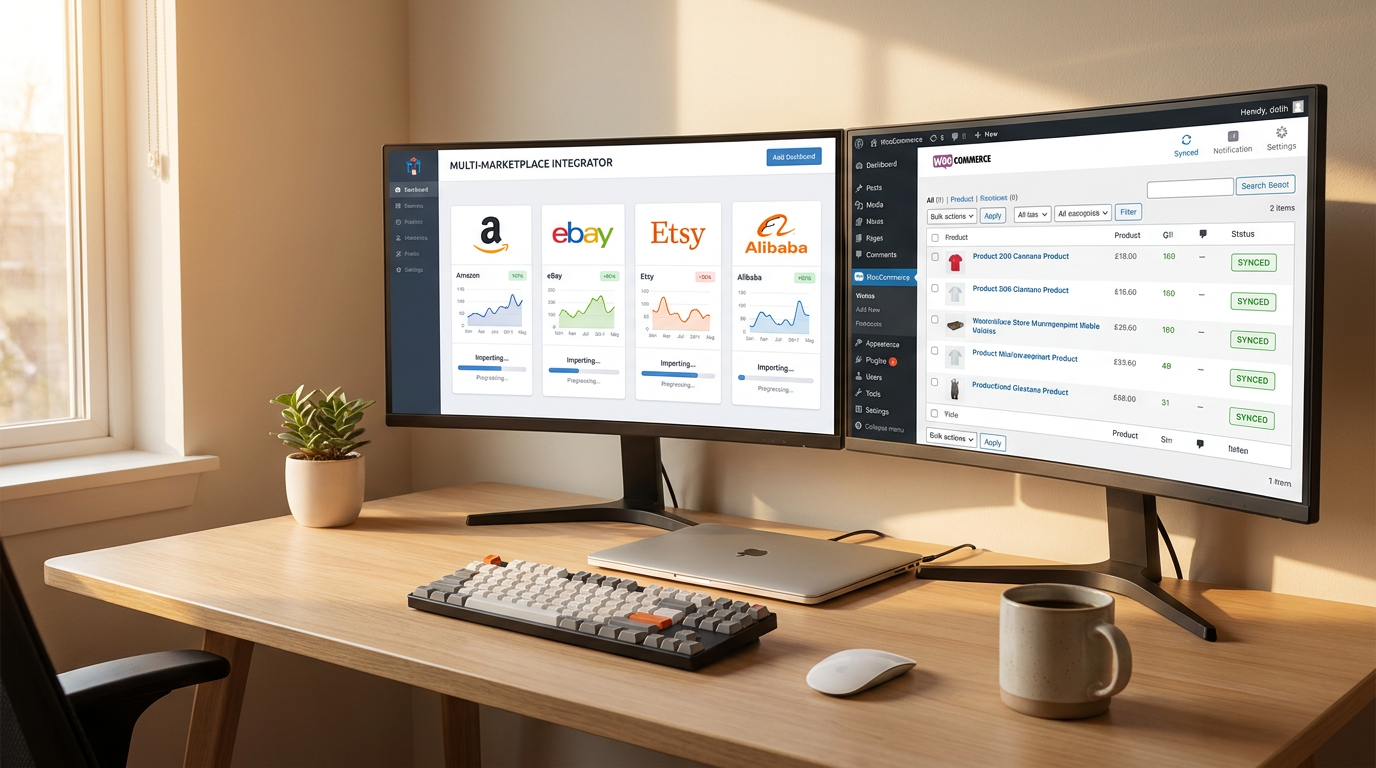
Multi-marketplace integration options include powerful import tools that extend your sourcing capabilities to Amazon, eBay, and independent Shopify stores. These platforms let you aggregate items from multiple global marketplaces into your centralized WordPress dashboard. Leveraging these multi-marketplace hubs enables you to test a massive variety of niches rapidly.
How do Dropified and Importify expand your reach?
Dropified and Importify significantly expand your business reach by letting you import products from dozens of alternative e-commerce platforms with a single click. These systems utilize advanced Chrome browser extensions to scrape product listings, keeping pricing rules and descriptions clean.
They offer semi-automated order fulfillment, meaning your software auto-fills customer shipping addresses on vendor checkout pages. This allows you to scale your sourcing far beyond standard AliExpress pipelines.
Multi-marketplace import tools are useful for product testing and catalog expansion, but they should not be treated as full fulfillment control systems. Before relying on them for live orders, confirm who owns stock accuracy, how variants stay mapped, who receives the order, how tracking returns to WooCommerce, and what happens when a marketplace listing changes or the supplier cannot ship.
Where does a private dropshipping agent fit into a WooCommerce plugin setup?

A private dropshipping agent fits between your WooCommerce store and the physical supply chain. The plugin keeps product data, stock updates, orders, and tracking information organized inside WooCommerce, while the agent handles the work that software cannot physically verify: product sourcing, supplier follow-up, product checks, packaging confirmation, shipping-line selection, and after-sales exceptions.
This matters when a seller has moved beyond simple product testing. A plugin can pass an order to a supplier, but it cannot inspect the item, confirm that the correct accessory is inside the package, run product checks before dispatch, combine products from different suppliers, or investigate a delayed parcel. If those steps are unclear, the WooCommerce order may look “processed” while the real shipment is still at risk.
RuntoDropship works as a private dropshipping agent for sellers who need this physical execution layer behind their WooCommerce automation. In this setup, the plugin remains useful as the data layer, but RuntoDropship helps control the sourcing, QC, packaging, shipping execution, tracking follow-up, and after-sales handling behind each order.
How do you evaluate and choose the right WooCommerce dropshipping plugin?
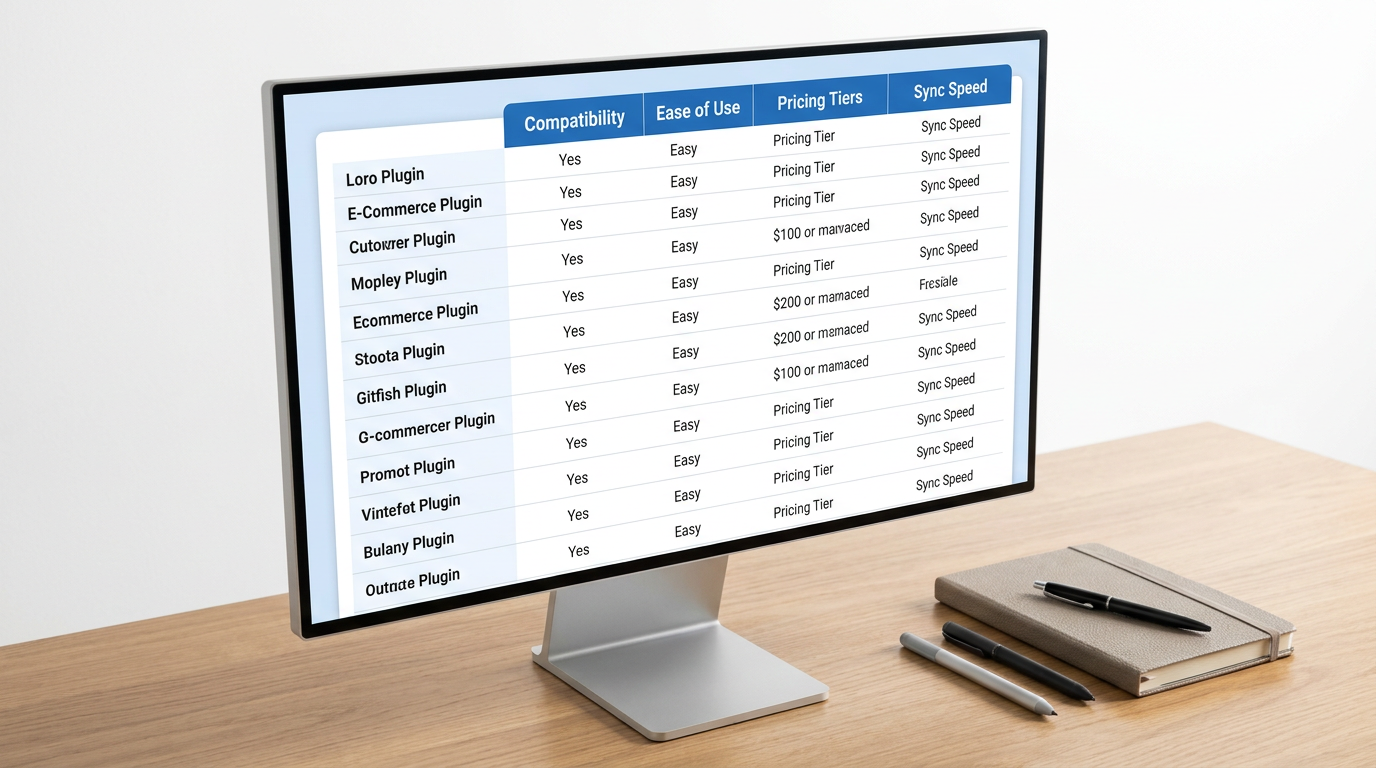
Before choosing a plugin, decide which system controls each important part of your store data. Your supplier feed may control stock and product cost, but it should not overwrite the product titles, descriptions, images, or sales copy you edited for your WooCommerce store. If two tools can change the same price, stock status, product description, or order status, your store can break quietly before you notice the problem.
After that, check three practical areas: whether the plugin works with your current WooCommerce setup, how often it updates stock and prices, and whether it protects your margin when supplier costs or shipping fees change.
Is the plugin compatible with your WooCommerce setup?
Check whether the plugin is actively maintained, works with your current WooCommerce version, and supports HPOS compatibility. This matters because dropshipping plugins often need to read order items, update order status, write tracking data, and pass supplier information correctly, so order-data compatibility is not just a technical detail.
Before using any plugin on a live store, test it on a staging site with your payment, tax, shipping, caching, and multilingual plugins enabled. An outdated or poorly maintained plugin can slow down checkout, fail to update order data, or conflict with payment and shipping tools.
What pricing rules protect your profit margin?
A good WooCommerce dropshipping plugin should let you create pricing rules that account for product cost, shipping cost, payment fees, and supplier price changes. This matters because supplier prices can change without warning, especially when you source from marketplaces or supplier networks.
Do not rely only on a simple percentage markup. Check whether the plugin can apply different rules by supplier, product category, shipping zone, or cost range. If your pricing rule ignores shipping fees, payment fees, or supplier cost changes, you can sell products at the wrong price without noticing.
| Evaluation Area | What to Check | Risk if Ignored |
|---|---|---|
| Field ownership | Which system controls stock, cost, selling price, product copy, images, and order status | Product data may be overwritten or changed without warning |
| WooCommerce compatibility | Active updates, HPOS support, checkout compatibility, and compatibility with payment, tax, shipping, caching, and multilingual plugins | Checkout conflicts, missing order data, or failed tracking updates |
| Stock and price sync | How often stock and supplier costs update, and whether failed syncs are visible | Overselling, wrong prices, forced refunds, or margin loss |
| Pricing rules | Product cost, shipping cost, payment fees, supplier changes, and shipping zones | Selling at the wrong price or losing margin after supplier changes |
| Order handoff | Whether the right line items, customer details, and supplier instructions reach the correct supplier | Wrong products, delayed orders, or supplier confusion |
| Recovery | Whether you can export products, supplier mappings, order records, and tracking history if the plugin fails or is cancelled | Failed orders become hard to identify or recover |
Key Takeaway: The safest WooCommerce dropshipping plugin is not always the one with the most features. It is the one that keeps field ownership clear, protects order data, updates stock and prices reliably, and gives you a way to recover when a sync or supplier handoff fails.
How should you test a WooCommerce dropshipping plugin before launch?
Before trusting any WooCommerce dropshipping plugin with live orders, test one complete order path from product import to customer tracking email. A successful product import does not prove that variants, stock, supplier receipt, tracking numbers, cancellations, or partial shipments will work correctly.
Start with one product that has multiple variants. Place a test order, confirm what the supplier receives, check whether WooCommerce keeps the right order status, and verify whether the customer receives a clear tracking update. If your store uses more than one supplier, test a mixed-cart order as well. One WooCommerce checkout can become two physical parcels, so the buyer should still see understandable tracking information.
You should also test one failure case before scaling. Change a supplier price, make one variant unavailable, cancel one line item, or add a second tracking number. If the plugin silently chooses another variant, overwrites your edited product description, marks a partially shipped order as complete, or leaves no clear owner for the failed order, the setup is not ready for live traffic.
What hidden bottlenecks threaten your dropship margins?

Hidden bottlenecks that threaten your dropship margins include high-frequency supplier price fluctuations, database synchronization lags, and high customer refund rates caused by lack of quality control. Merchants scaling to a consistent volume quickly discover that software tools cannot fully resolve physical product defects or slow shipping times. Let us analyze the operational limitations of a software-only approach.
How do plugin sync delays cause stock issues?
Plugin synchronization delays often cause severe out-of-stock issues when your e-commerce catalog fails to update in real time with supplier databases. If a product goes viral and sells out on AliExpress, a delayed synchronization schedule means you will continue taking customer orders for nonexistent stock.
This forced refund loop damages your merchant account standing, leads to chargeback penalties, and frustrates your customer base. Lacking instant synchronization represents a fundamental limitation of basic importing extensions.
When should you transition to private agents?
You should make the switch when your store consistently reaches ten to twenty orders per day and manual logistics become unmanageable. Making the jump and transitioning from AliExpress to a private dropshipping agent provides you with direct supply chain security, consolidated shipping, and strict quality control.
Software plugins are excellent for testing products initially, but they cannot verify item build quality before shipment. Moving to a dedicated specialist allows you to customize your packaging, build a genuine brand, and dramatically lower product costs.
What hidden costs should you check before choosing a plugin?
Do not compare WooCommerce dropshipping plugins only by the monthly fee. Check the full operating cost: base plan, product limits, order limits, paid add-ons, browser tools, automation features, hosting load, developer help, currency conversion, and the manual time needed to fix failed syncs.
Also check exit and recovery before you depend on the plugin. If you cancel the service or the connection fails, can you still export products, supplier mappings, order records, and tracking history? A low-cost plugin becomes expensive if you cannot quickly identify which orders reached the supplier, which orders failed, and which tracking numbers were returned correctly.
This cost check should sit beside your pricing rules. A plugin may protect your margin on normal orders, but it can still create hidden costs when product data breaks, supplier mappings disappear, or failed orders require manual cleanup.
Key Takeaway: The cheapest WooCommerce dropshipping plugin is not always the lowest monthly plan. Choose the setup that keeps your product data, supplier mappings, order records, and tracking history recoverable when something goes wrong.
Conclusion
WooCommerce dropshipping plugins are useful because they connect your store to products, suppliers, orders, stock updates, and tracking data. The right plugin depends on your supplier model: AliExpress marketplace, US/EU supplier network, print-on-demand provider, multi-marketplace importer, or a direct supplier workflow.
The safest setup is not the plugin with the longest feature list. It is the setup where every product field, stock update, order handoff, tracking number, cancellation, and failed shipment has a clear owner. Test one normal order and one failure case before relying on automation at scale.
When your e-commerce storefront begins generating consistent daily transactions, long-term sustainability requires a transition from automated software plugins to a reliable physical supply chain. Partnering with a dedicated private dropshipping agent like RuntoDropship allows you to overcome these technological limits by accessing customized product sourcing, strict product inspections, custom branded packaging, and rapid consolidated shipping methods that plugins simply cannot deliver.
Frequently Asked Questions
What is the best WooCommerce dropshipping plugin for beginners?
For AliExpress testing, DSers or AliDropship-style tools are common starting points because they focus on product import, pricing rules, order routing, and tracking updates. For US/EU suppliers, Spocket or Syncee-style supplier-network tools may be a better fit. The best plugin depends on your supplier model, not only your budget.
Can I use multiple WooCommerce dropshipping plugins at the same time?
Yes, but only if each tool has a clear role. Do not let two plugins update the same product, stock field, price, or order status. If you use more than one supplier source, test mixed-cart orders and tracking updates before going live.
What should I check before installing a WooCommerce dropshipping plugin?
Check supplier compatibility, variant mapping, stock update frequency, order routing, tracking return, HPOS compatibility, plugin update history, and whether you can recover product and order data if the connection fails.
Can WooCommerce dropshipping plugins prevent overselling?
They can reduce overselling when stock updates are frequent and variant mapping is correct, but they cannot guarantee supplier stock or product condition. You still need clear rules for unavailable variants, delayed supplier updates, refunds, and customer communication.
Can I use branded packaging with WooCommerce dropshipping plugins?
A plugin can pass order data, but it usually does not control the physical packaging process. If you need branded inserts, custom labels, product checks, or packaging confirmation before dispatch, you need a supplier-side process or private dropshipping agent to handle those steps.