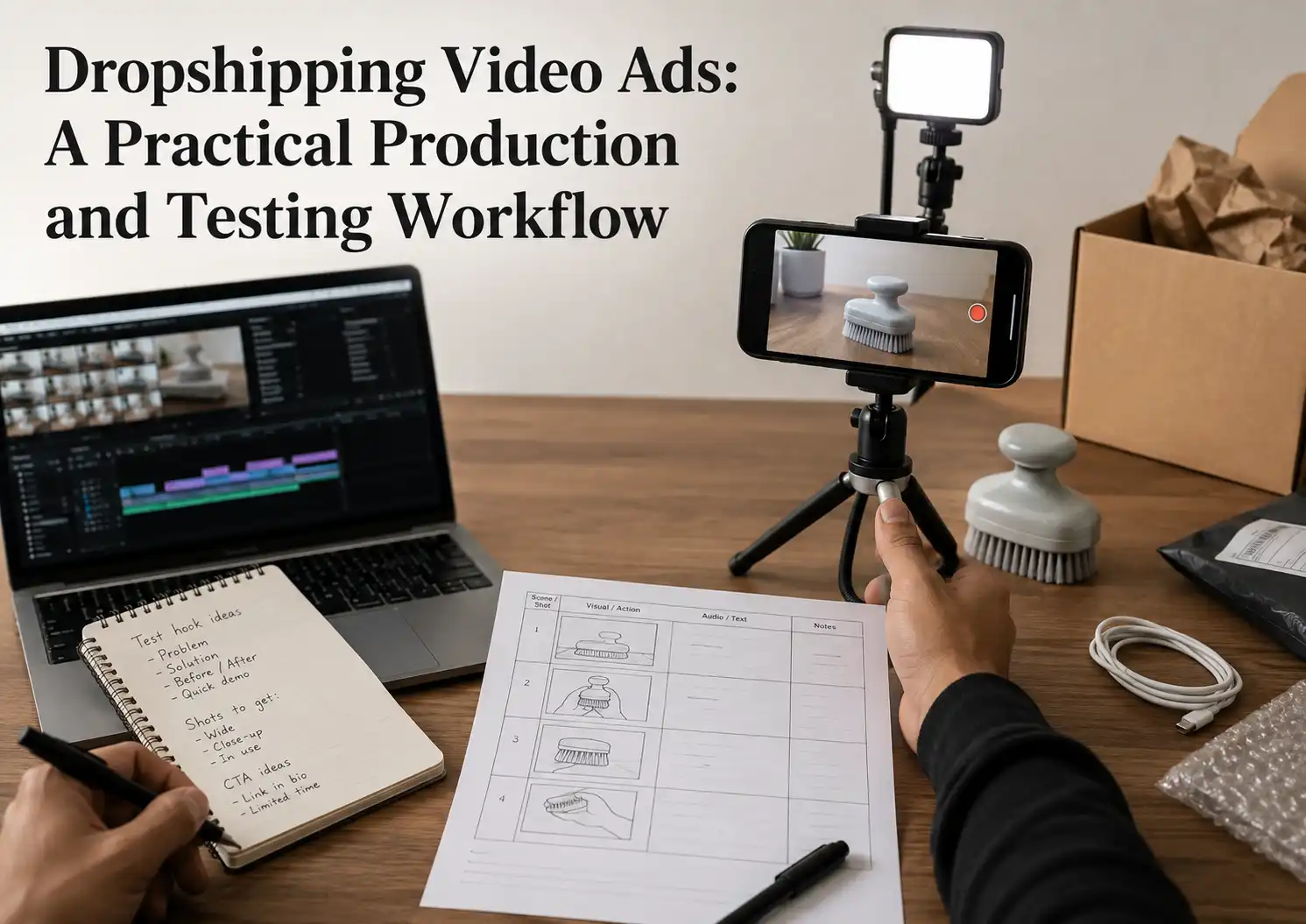
Dropshipping video ads work best when they make one product promise easy to see, support that promise with honest footage, and give the viewer one clear next step. You do not need the most expensive camera or AI tool. You need a repeatable way to choose an angle, plan the scenes, produce useful variations, and learn from each test.
A good first batch is small and deliberate: one audience, one product angle, one base script, and several meaningfully different openings. That structure tells you whether the message is weak, the footage is unclear, or the offer behind the video needs work.
What Makes Dropshipping Video Ads Worth Testing?
This creative format is worth testing when the product’s value becomes clearer through motion, use, or a visible result. A short demonstration can answer questions that a product photo leaves open: what the item does, how it is used, what problem it addresses, and what the buyer should do next.
The video still cannot rescue an unsuitable product or an inaccurate offer. Before production, check whether you can show the item honestly, support the main claim, deliver what appears on screen, and send interested viewers to a page that matches the same product, price, and conditions.
A useful creative has five connected jobs:
- Earn attention with a relevant first scene.
- Make the viewer’s problem or desired outcome recognizable.
- Show the product doing the important work.
- Give believable proof without inventing a review or result.
- End with one action that the landing page can continue.
If one job is missing, diagnose that gap before adding more effects. A weak demonstration needs better footage; an unclear promise needs a better angle; an unconvincing offer needs product or page work.
Choose One Angle and One Viewer Action
Choose the reason one specific customer should care before you choose a template or editing tool. An angle is not a list of every feature. It is the single problem, benefit, use case, comparison, or objection that the video will make easy to understand.
Start with the customer and situation. A compact cleaning tool might be framed around reaching a difficult space, saving storage room, or reducing a messy step. Those are three different ads because each one needs a different opening, demonstration, and final promise.
Match the format to the proof you have
Use a format that can show the claim rather than merely say it.
| Format | Best use | Main limitation |
|---|---|---|
| Problem and solution | A familiar frustration with a visible fix | Feels exaggerated if the problem is staged unrealistically |
| Product demonstration | An item whose function is clear on camera | Needs accurate, close footage of the real action |
| Creator-style explanation | A product that needs context or objection handling | Must not present a scripted actor as a real customer |
| Before and after | A change that can be shown fairly under the same conditions | Easy to make misleading through lighting, editing, or unsupported claims |
| Comparison | A real difference buyers can inspect | Requires a fair comparison and proof for both sides |
If the product is difficult to explain in one focused video, return to the offer before spending more on production. The product may need a narrower use case, better evidence, or a different acquisition method. A disciplined product-selection process helps you test whether the item is visually demonstrable and commercially workable before you build a large creative batch.
Choose one final action as well: visit the product page, view the offer, choose a variation, or complete a purchase. Do not ask the viewer to follow, comment, compare several offers, and buy at the same time.
Build the Script and Shot List Before Editing
Build the message as a scene plan before opening an editor. This separates creative thinking from software work and gives a creator, freelancer, or AI tool the same production brief.
Write four functional parts
A simple direct-response script can use four parts:
- Opening: show the problem, product action, or surprising detail immediately.
- Context: explain who the product is for and why the moment matters.
- Demonstration and proof: show the item performing the promised task and address the main doubt.
- Action: state the offer or next step without adding a new promise.
Write for the footage you can actually obtain. If you do not have evidence for a result, change the line instead of asking the editor to make the claim look believable.
Turn every line into a visible shot
Create a two-column working document. Put the spoken or on-screen message on the left and the required visual on the right. A line such as “fits beside a small sink” needs a shot that clearly shows the item beside a small sink; a generic spinning product render does not prove it.
Mark each shot as one of these:
- Must film or receive from the supplier.
- Can create from accurate product photos.
- Needs a creator using a real sample.
- Needs supporting text or a simple graphic.
- Cannot be supported and must be removed.
The completed shot list is the usable output of this stage. It also makes quotations from freelancers easier to compare because every supplier receives the same scope.
Key Takeaway: Approve the script only after every important sentence has a truthful visual. Unsupported lines should be rewritten, not hidden behind faster editing.
Source Footage You Can Defend
Use footage that accurately represents the product, and confirm that you have permission to use it in paid advertising. The fastest clip is not useful if it shows a different version, contains another seller’s branding, or makes a claim your product cannot support.
Film a sample when the product experience matters
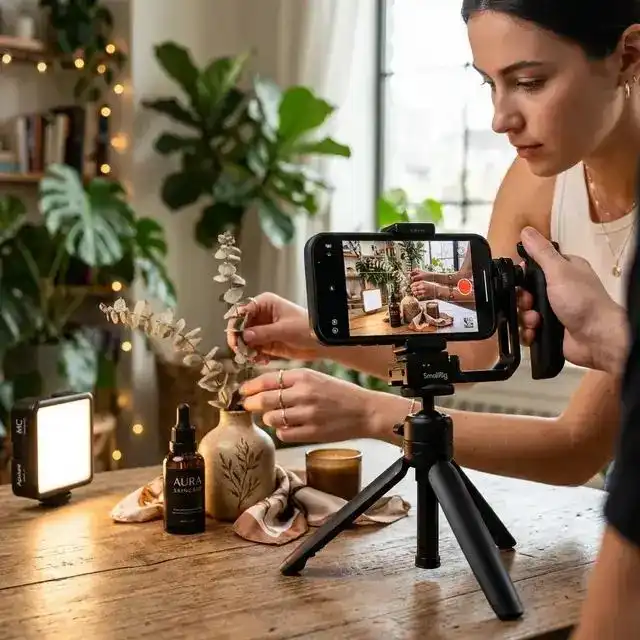
A real sample is the strongest starting point when size, texture, sound, fit, assembly, packaging, or actual performance affects the buying decision. Record the exact variation you plan to sell under ordinary conditions, including close shots of details that could create complaints later.
You do not need a studio. Stable phone footage, clear light, a clean background, and an unobstructed view of the product can produce more useful evidence than a polished scene that hides the function.
Treat supplier media as an input, not automatic permission
Ask the supplier who owns each photo or clip, whether paid-ad use is allowed, whether the file is original, and whether another brand, creator, or customer appears in it. Keep the written permission with the source files.
Then compare the media with your approved sample and product specification. Check the color, shape, included parts, labels, plug type, controls, packaging, and demonstrated function. If the footage and sellable unit do not match, do not use the clip.
Give creators a precise evidence brief
Tell a creator what must be shown, what must not be claimed, which variation to use, and how the raw files should be delivered. Ask for clean takes without music or captions as well as the edited version, so you can build new openings without requesting a complete reshoot.
Choose DIY, AI, a Creator, or a Freelancer
Choose a production route by the evidence you need and the volume you can manage, not by a promise that one method always performs best. Each route can produce a usable ad, but each fails in a different way.
| Route | Best fit | What to verify first |
|---|---|---|
| Film and edit it yourself | You have the sample and need maximum control at low cash cost | Time, basic shooting skill, and a repeatable file system |
| AI-assisted production | You need rapid script, voice, caption, or creative variations | Product accuracy, commercial rights, disclosure needs, and visual artifacts |
| Product creator | Trust, hands-on use, or a natural demonstration matters | Creator fit, honest wording, sample delivery, raw files, and usage rights |
| Freelance editor | You already have footage and need reliable assembly or variants | Brief quality, included revisions, source files, and platform exports |
| Creative service or agency | You need strategy, production, and ongoing coordination | Who owns the concept, footage, account data, testing plan, and final files |
DIY is usually the clearest way to learn what the work involves. AI can speed up repetitive production, but it must not change the product, fabricate a customer experience, or turn an unverified benefit into apparent proof. A creator can add a human demonstration, while a freelancer is most useful when the brief and raw material are already strong.
Ask every paid provider for a small, defined first job. Give them one product, one angle, one script, the same evidence pack, and a written delivery checklist. Review accuracy and editability before committing to a larger batch.
Key Takeaway: Use the simplest route that can produce truthful proof and reusable source files. A cheap finished clip is expensive if you cannot revise it, defend its claims, or match it to the real product.
Edit a Master Cut for Each Placement
Edit one clean master cut, then adapt it to the placements you plan to use. Cropping one finished file everywhere can hide the product, cover captions with interface controls, or leave the key message outside the safe area.
Begin with a vertical composition when short-form mobile placements are central to the test. Keep the product, captions, and action text away from the edges, and check the current platform preview before launch. Meta’s official Reels advertising guidance recommends vertical video with audio and key messages inside the safe zone; TikTok also tells advertisers to keep important elements inside its creative safe zone.
Make the first frame understandable
The first frame should reveal a relevant action, problem, product detail, or result. Do not spend the opening on a logo animation. A viewer should be able to tell what kind of value is coming even before the full explanation arrives.
Keep captions useful
Use captions for the core message, not a transcript that fills the screen. Check contrast, spelling, timing, and whether the words remain readable on a small phone. Watch the export once with sound and once without it.
Export a reusable package
Keep the clean master, project file, raw footage, approved script, fonts, licensed audio record, caption file, thumbnail, and each placement export together. Use filenames that identify the product, angle, opening, version, and date.
Test the Creative Without Guessing
Test one meaningful creative variable at a time so the result can change your next edit. If you change the audience, offer, landing page, opening, proof, voiceover, and call to action together, you will not know what caused the difference.
Start with several openings built around the same body and offer. Keep the product page and main promise stable. If one opening earns more qualified attention, build the next round around that angle; if every opening loses viewers at the same demonstration, the body or product proof may be the problem.
Read the result in sequence:
- People do not stop: replace the first scene or make the angle more specific.
- They start but leave before the product is clear: shorten the setup and show the demonstration earlier.
- They watch but do not visit the page: strengthen the relevance, proof, or action.
- They visit but do not move toward purchase: check whether the page, price, product details, and delivery promise match the ad.
- They buy but complaints follow: stop scaling and fix the product or customer promise behind the creative.
Set the decision rule before spending: continue, revise, or stop. Use the advertising platform’s own reporting definitions, because similarly named viewing and conversion measures can be calculated differently. For Facebook-specific formats, campaign setup, and scaling controls, the Facebook ads workflow for dropshipping carries the deeper platform task.
Key Takeaway: A test should tell you what to change next. Produce variations that isolate a real decision, not cosmetic versions that differ only in color, music, or caption style.
Keep the Product Promise Behind the Video Accurate
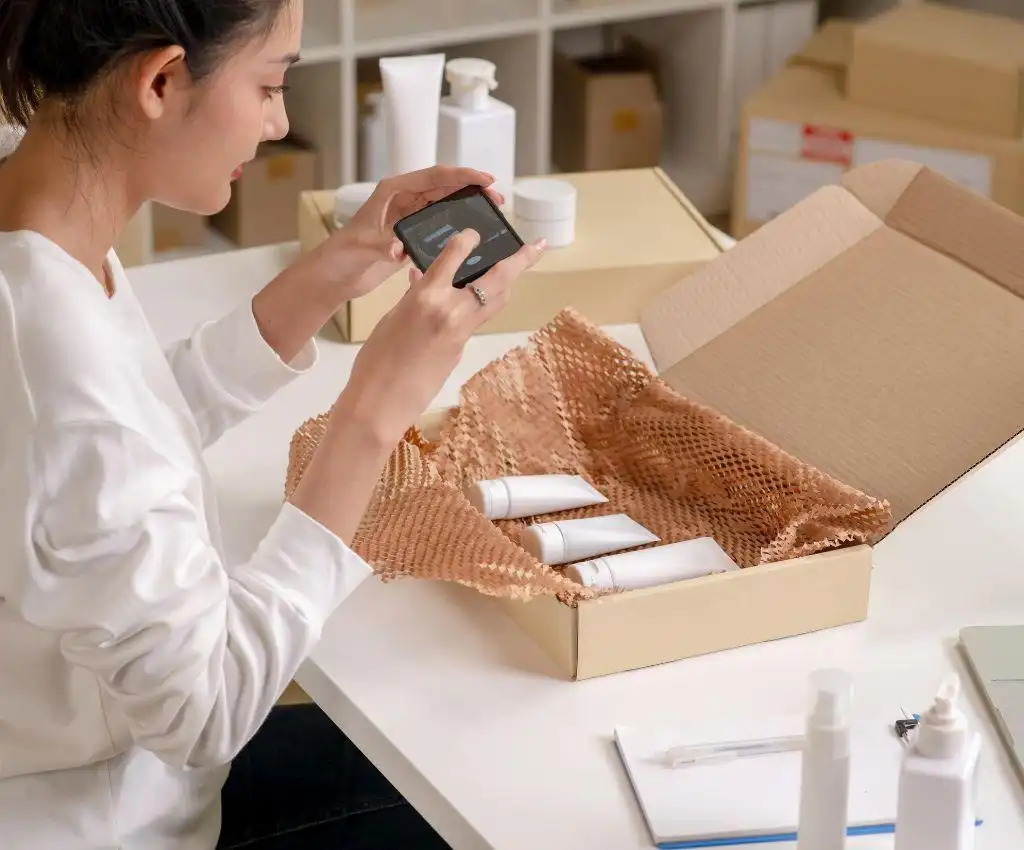
Keep the ad, product page, sellable item, packaging, and delivery terms aligned before you increase spend. Strong creative can expose an operational mismatch faster by sending more buyers to the same weak promise.
TikTok’s current advertising policy says ad content and landing pages must not promise or exaggerate product results, and it rejects inconsistent promotion, price, or product information. Review the platform’s misleading and false content policy before approving claims, comparisons, testimonials, and before-and-after scenes.
Create an evidence pack for every advertised product. Include the approved product specification, current sample photos, permitted source media, verified claims, packaging details, included parts, landing-page copy, and the delivery promise. When the supplier changes a material detail, pause the affected creative until the ad and page match the item again.
A pre-shipment quality control process can check agreed visible details before dispatch when the advertised variation, accessories, labels, or packaging must match the customer promise. That check cannot make an unsupported advertising claim true, so claim approval and physical product checks must remain separate.
Key Takeaway: Treat the creative as part of the customer promise. Stop an ad when the real product, offer, or delivery condition no longer matches what the viewer sees.
FAQ
Can I make a product video ad without showing my face?
Yes. You can use hands-only demonstrations, product close-ups, overhead filming, animation based on accurate product images, screen recordings, captions, or a truthful voiceover. Choose a faceless format only when it can still show the product clearly; a hidden presenter should not become an excuse to replace evidence with generic stock footage.
Can I use still product photos when I have no video footage?
Yes. Meta provides a slideshow option that turns photos and text into a video, so a controlled photo-based test is possible. Use high-resolution images of the exact sellable item, add motion sparingly, and do not animate a capability or result that the photos cannot prove.
What should I do if an AI tool changes the product’s appearance?
Reject the scene and regenerate or replace it with real footage. A different shape, color, control, attachment, package, or result can mislead the buyer even when the error came from the software. Compare every generated scene with the approved sample and product specification before export.
Must the landing page repeat the same offer shown in the video?
Yes. The product, price, discount, main claim, variation, and important conditions should remain consistent from the ad to the landing page. TikTok’s creative guidance requires ad elements to match the destination page, and a mismatch also makes it difficult to tell whether the creative or the offer caused a weak result.
What files should a freelance editor deliver?
Ask for the final exports, a clean version without captions or music, the editable project file, caption file, thumbnail, fonts or font names, licensed-audio details, and all new source assets. Confirm in writing which files you may edit and use in paid advertising before the job begins.
Conclusion
A reliable video-ad workflow starts with one customer angle and one honest product promise. Turn that promise into a script and shot list, obtain defensible footage, choose the simplest suitable production route, adapt the master cut carefully, and run tests that tell you what to change.
When growing sellers, mentors, or multi-store operators need the advertised product, packaging, included parts, and supplier instructions to stay aligned across repeated orders, RuntoDropship can support the backend as a private dropshipping agent through supplier coordination, product checks, packaging work, order execution, shipping arrangements, and issue follow-up. Send the product link, target market, current order volume, and the exact promise used in the creative to discuss a sample or controlled test order.